PCS 571/572 Administration
PCS 571/572 User Manual v3.2/0913/1 59
Select the Favourites button
Select the context sensitive key beside the Settings icon
Press the context sensitive key beside the Phone Information icon.
(Please note that if the Groups feature has been enabled on your extension you will need
to press the Down arrow button to access the Phone Information icon.)
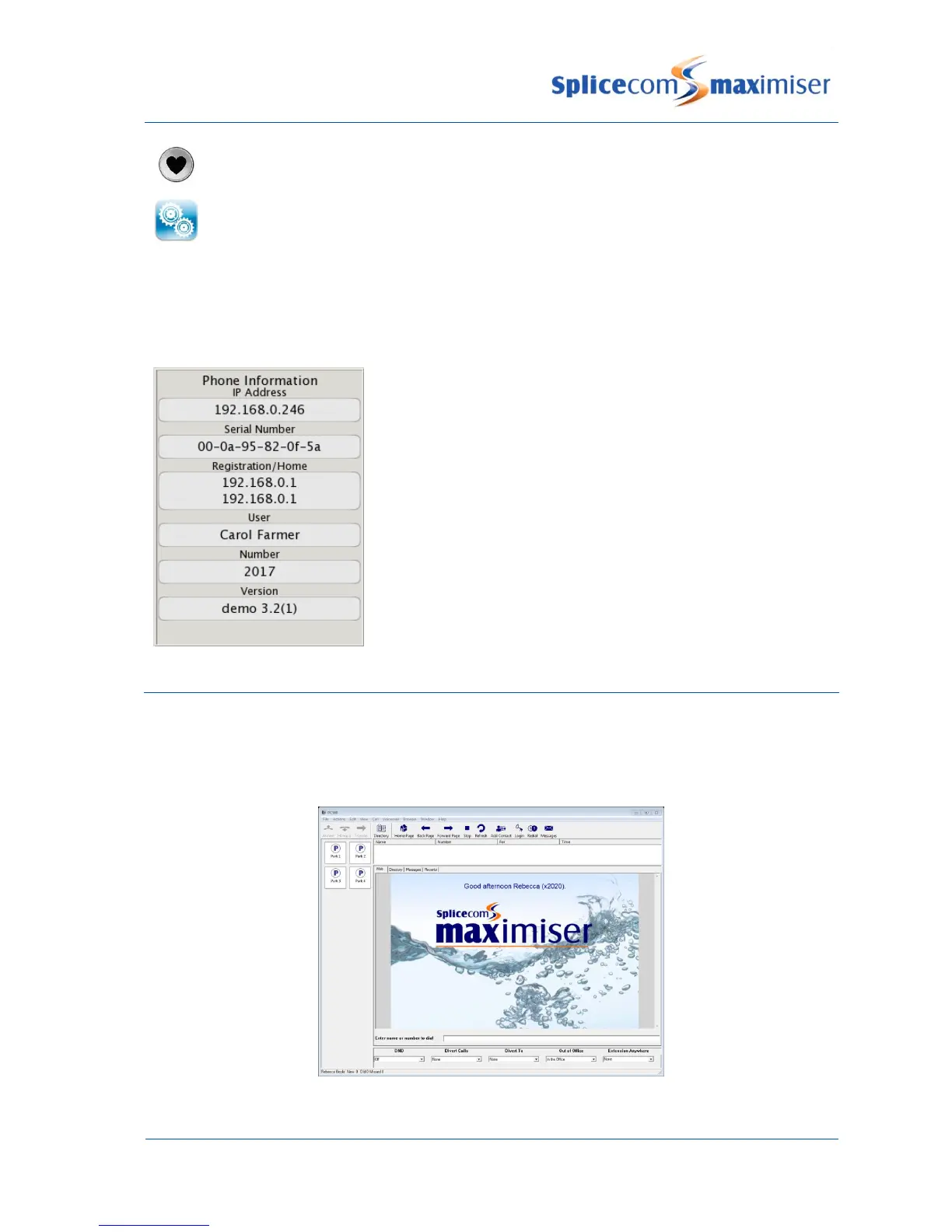
The following information is displayed:
IP Address – IP address of the PCS 571/572
Serial Number – hardware address of the PCS 571/572
Registration – IP address of the Call Server to which the
PCS 571/572 is connected
Home – IP address of the Call Server providing the User’s
voicemail service.
User – name of the User currently logged in
Number – extension number of the User currently logged in
Version – software version currently running on the
PCS 571/572, eg 3.2(891)
Partnering your PCS 571/572 with your PC or laptop
Even greater personal productivity can be realised when you partner your PCS 571/572 phone with
SpliceCom’s PCS 60 or Navigate application. These desktop productivity applications deliver all of the
functionality associated with the top of the range PCS 580 and are available for Windows, Mac OS X and
Linux PCs and laptops.



 To Next Page