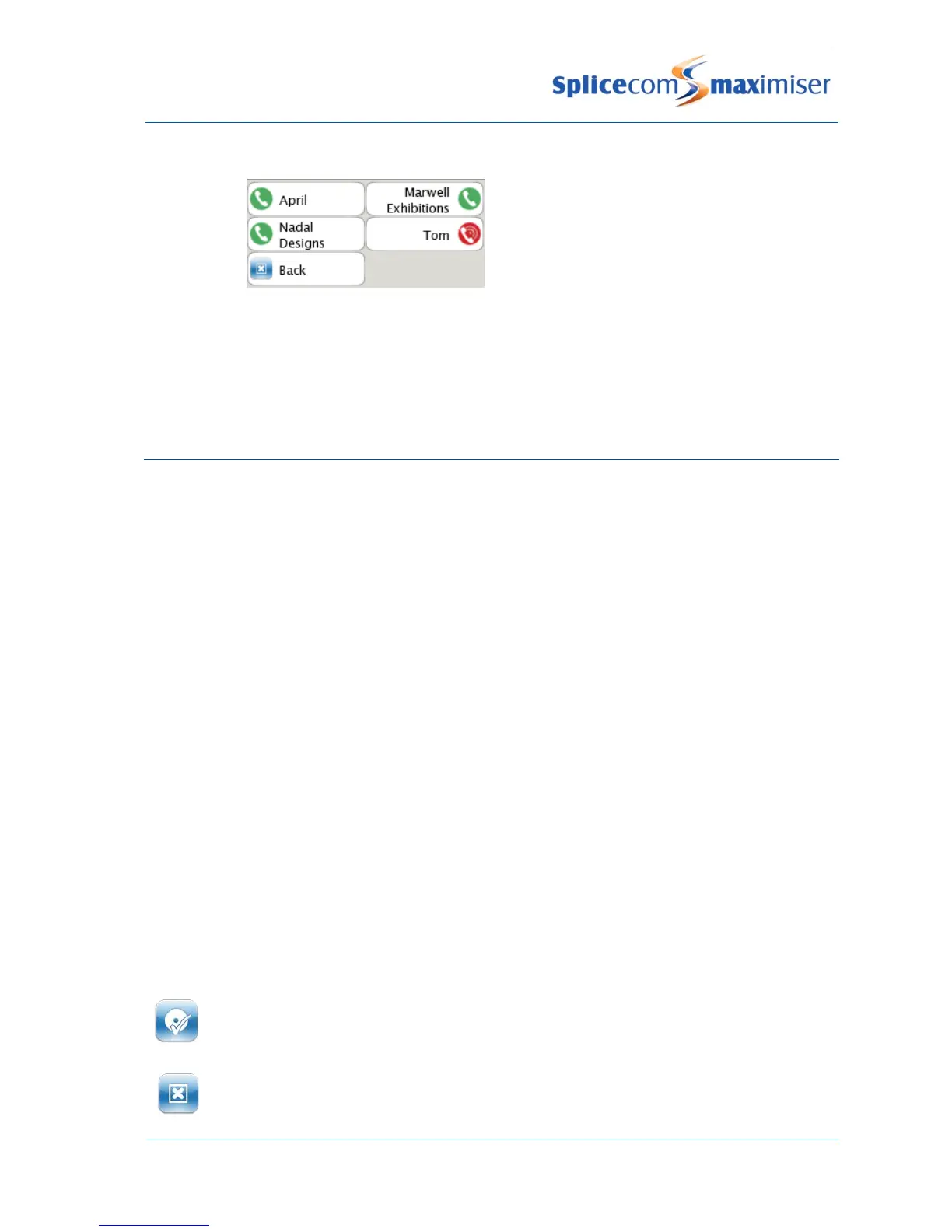
Please note that by default your Favourite Groups and Speed Dials will be displayed in alphabetical order.
However, if you would like your Favourite Groups displayed before your Speed Dials, for example, please
refer to your System Administrator for further details.
Telephone Numbers
Your home and mobile numbers can be entered on the central database together with two additional
numbers and a number that you wish to use as your Assistant number.
These numbers are used:
1 To identify you when you make a call from your home, mobile or the additional telephone
numbers. Your name and details will appear in Call Status.
2 By the Contacts Directory (please refer to the Contacts Directory page 22 for further details) to
make it easier for your colleges to ring you on or transfer calls to your mobile, for example
3 By voicemail:
a. when accessing your messages from your mobile or home phone (please refer to your
System Administrator for further details)
b. your callers can be given the option to be transferred to your assistant number rather leave a
message (please refer to the Using an Assistant telephone number section from page 48 for
further details).
4 By the Follow Me facility (please refer to the Call Divert/Follow Me section page 39 for further
information).
Enter your personal numbers
Using the key pad enter the number required. (Do NOT enter internal extension
numbers into Mobile, Home, Spare1 or Spare2. These fields are used to match incoming
CLI and dial external numbers only.)



 To Next Page