User Settings
32 PCS 571/572 User Manual v3.2/0913/1
Press the context sensitive key beside the Save icon to store the speed dial
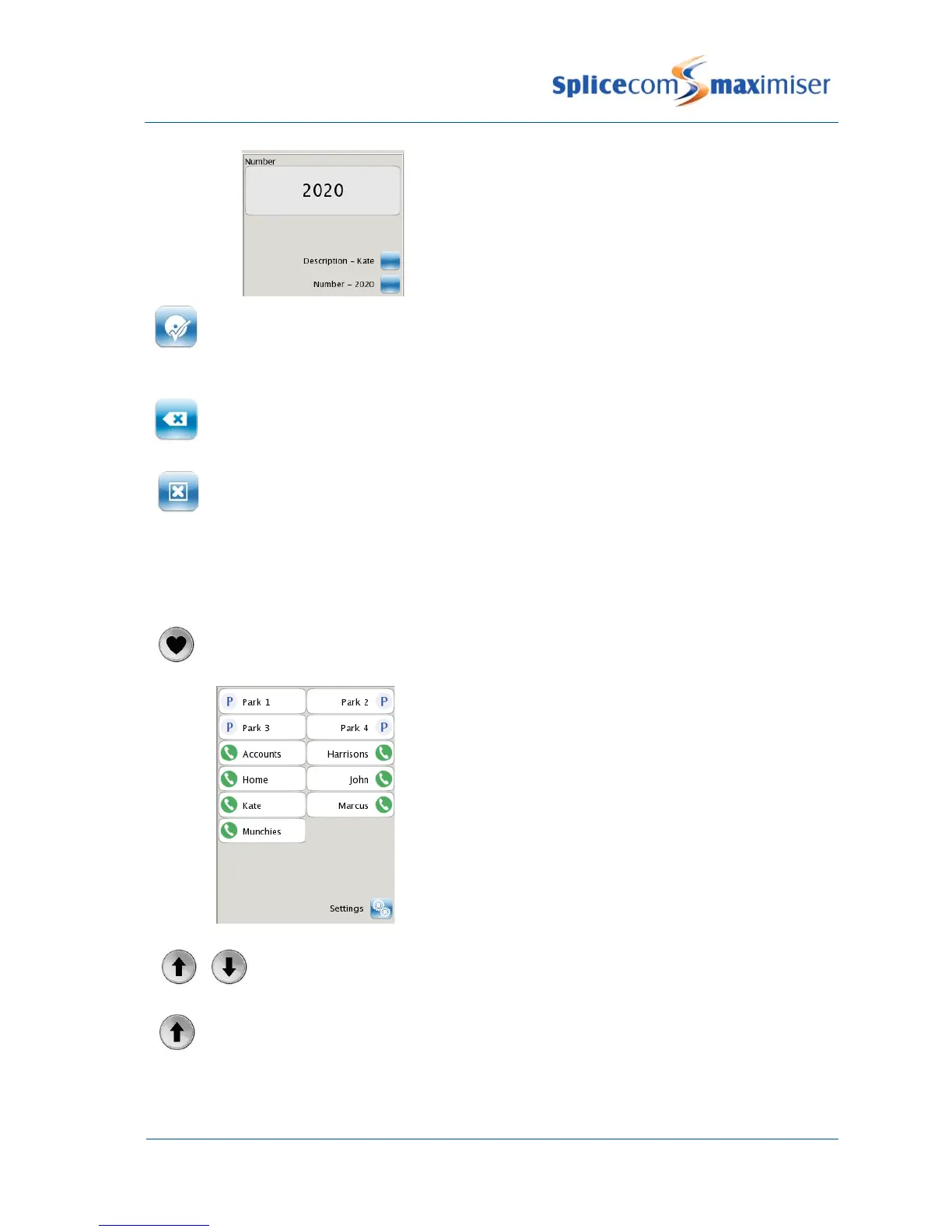
The new speed dial will appear in the Favourites list in alphabetical order.
Press the context sensitive key beside the Backspace icon at any time to correct any errors.
Press the context sensitive key beside the Cancel icon at any time if you do not wish to save
the new speed dial.
Favourites page
Your speed dials will be displayed in the Favourites page and can be used to quickly and easily make calls,
transfer calls and pick up calls.
Press the Favourites button.
(The Favourites page can be accessed while the PCS 571/572 is idle or during a call.)
The Favourites page will be displayed giving the 4 park icons
and your speed dials.
Use the Page Up or Page Down buttons to find the speed dial required
Press the Page Up button to go to the bottom of the list.



 To Next Page