RangerSInstallationandtroubleshooting
14
ETdevice(Pulses)
SelectthisifyouuseaconnectedETdevicethatprovidesdynamicETdata
forthecontroller(ET300‐w)
ETenabled(N/OorN/C)
IfyourETdevicesimplytellsthecontrollerwhethertoirrigateornot,you
needtotellthecontrolleriftheinputisnormallyopen(N/O)ornormally
closed(N/C).Wheneverthedeviceisthenintheoppositemode,the
controllerwillholditsirrigation.
Disabled
Don'tusetheETinput.
Usetheitemselectorstolocatethesettingyouwantandifyouchose
anythingbut
ETdevice(Pulses)
,pushthe
ENTER
buttontosaveyourselection
andthe
SENSORS
buttontoexitsensorconfiguration.
Ifyouchose
ETdevice(Pulses),
youneedtotellthecontrollerhowmany
mmmmtothecurrentETfigureperpulseitreceives‐pleaseproceedto
thenextstep(defaultsettingis0,25mm.)
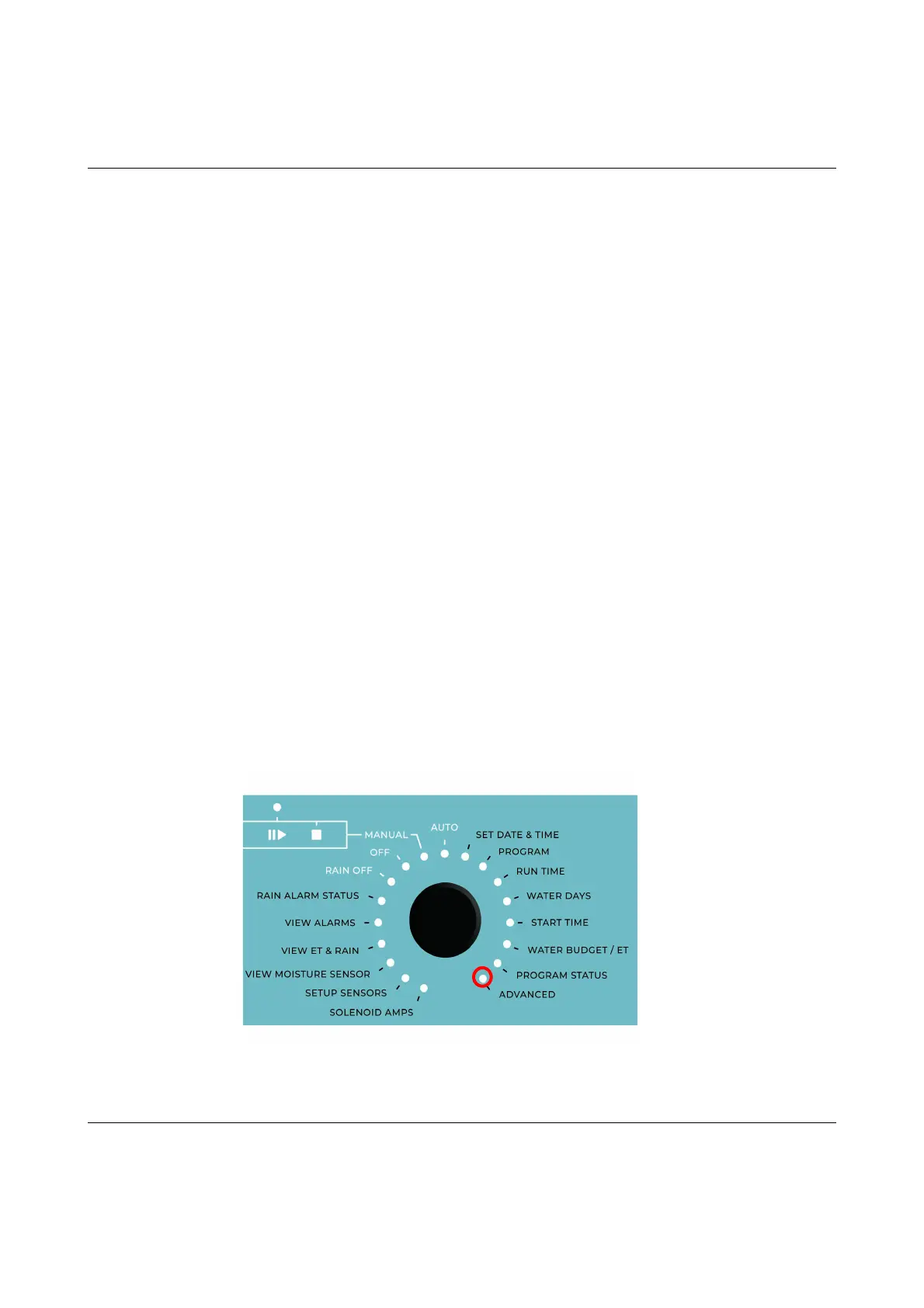
15 Turnthedialto
ADVANCED



 To Next Page