RangerSInstallationandtroubleshooting
15
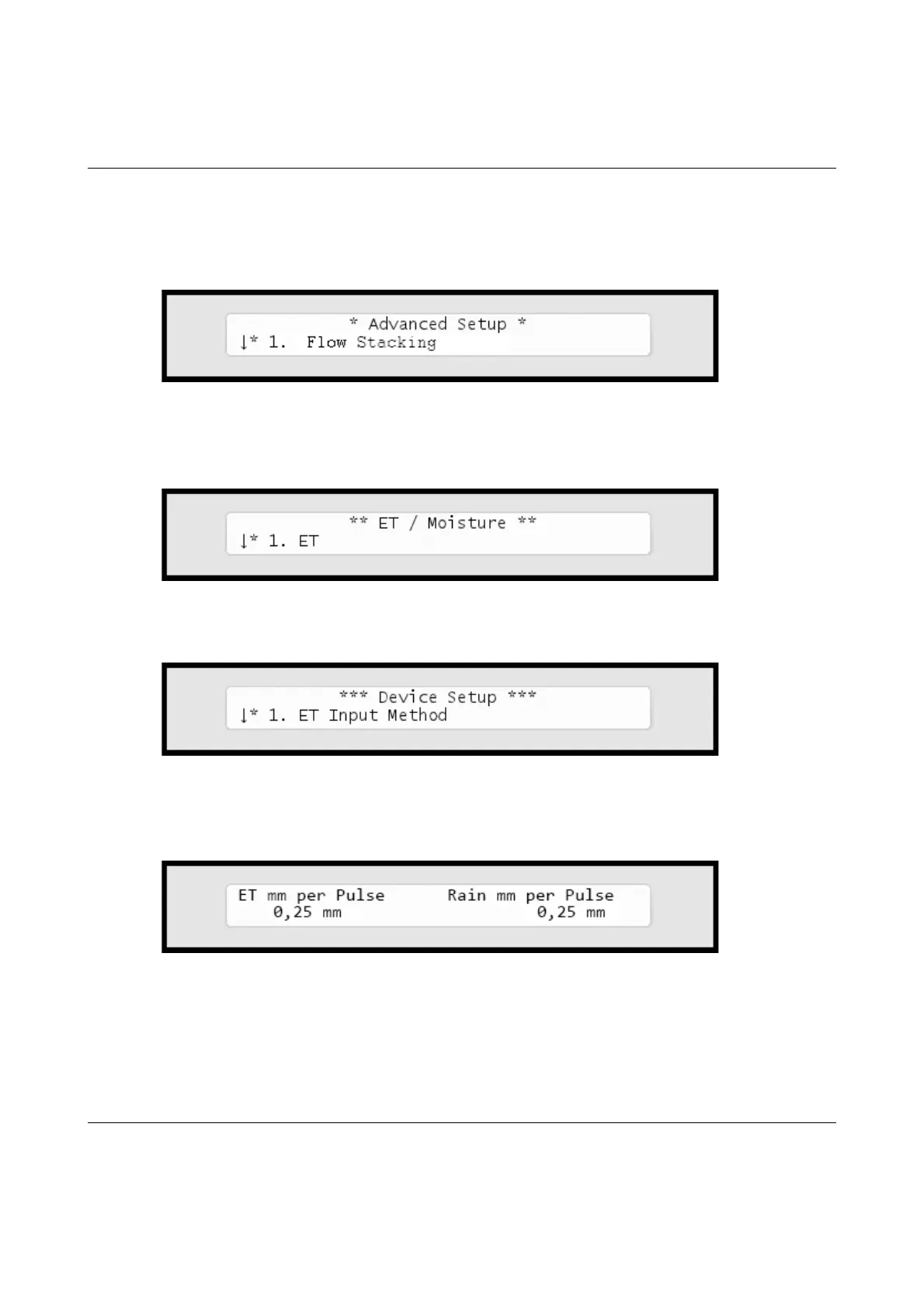
Nowthedisplaylookslikethis:
16 Usetheitemselectorstoselect
3. Intelliset
andpushthe
ENTER
button.Nowyou'llseethefollowingscreen:
17 Select
6. Device Setup.
Nowthedisplaywilllooklikethis:
18 Select
2. ET and Rain Inch/Pulse Settings.
Nowyou'llsee
somethinglikethis:
19 Usetheitemselectorstosetyourvaluesandpushthe
ENTER
button
tosaveyoursettings.



 To Next Page