F,TL,NXX
If
your club or fitness center is equipped with FitLinxx and you have been assigned an active ID
number,
just
follow these steps:
Step Olle:
Step Two:
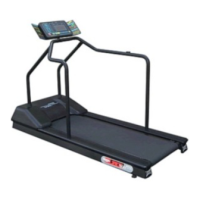
Step on the treadmill and enter your five digit FitLinxx ID number by pressing the
0---9 keypad (not all facilities are FitLinxx equipped, check with facility management
before entering an ID.) Once all five numbers are entered, press ENTER.
If
your ID was valid, follow the scrolling instructions of: PRESS PROGRAM ( to
choose one
of
the preset programs available on the TR4500) or PRESS START
(press the START key for immediate use
of
the treadmill) or PRESS
"""
(to
choose a heart rate program).
If
your ID was invalid, try to enter yourFitLinxx ID
again.
If
after a few attempts, your ID
is
not accepted, contact a club employee for
assistance.
NOTE: You can pause your workout by pressing the "STOP" key once. Your program will pause
for a maximum
of
30 seconds.
You
can resume the program by pressing the "START" key.
Step Three:
To stop the treadmill, press the "STOP" key twice. The running belt slows to a
stop.
Once you have completed your workout, time, distance and calories will automatically be sent to
the onsite FitLinxx management system for review by a qualified instructor or trainer.
4a
§TAR
TRAC
4Saa
TREADMILL
awner~§
Manual












 To Next Page