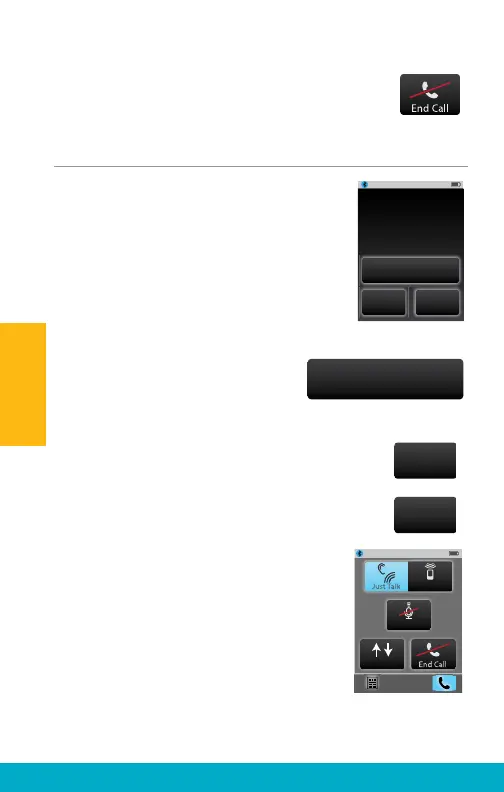
(4) Select End Call button on Phone
screen to terminate the call.
Call Waiting
(1) If second incoming call is received
(by the same cell phone) during an
active cell phone call, the Incoming
Call Waiting screen may appear.
Note: If second incoming call occurs on a
different cell phone (which is also connected
with SurfLink Mobile 2), then the second call
will roll directly to that cell phone’s voicemail.
(2) Select Do Not Answer button
to ignore the second call and
continue with the active call.
(3) Select End Call + Answer button
to end the active call and answer
the second call.
(4) Select Hold Call + Answer button to
put the active call on hold and answer
the second call.
(4a) When second call is answered
using the Hold Call + Answer button, the
Swap Call Waiting screen will appear.
(4b) Select Swap Call button to switch
between the two calls by putting the
active call on hold.
(4c) To terminate the active call, select
End Call button. The call on hold will
become the active call.
Do Not Answer
End Call
+ Answer
Hold Call
+ Answer
Mute
Swap Call
SurfLink Mic
Incoming Call
Caller Name
XXXXXXXXXX
Do Not Answer
Hold Call
+ Answer
End Call
+ Answer
20
Operation



 To Next Page