Language
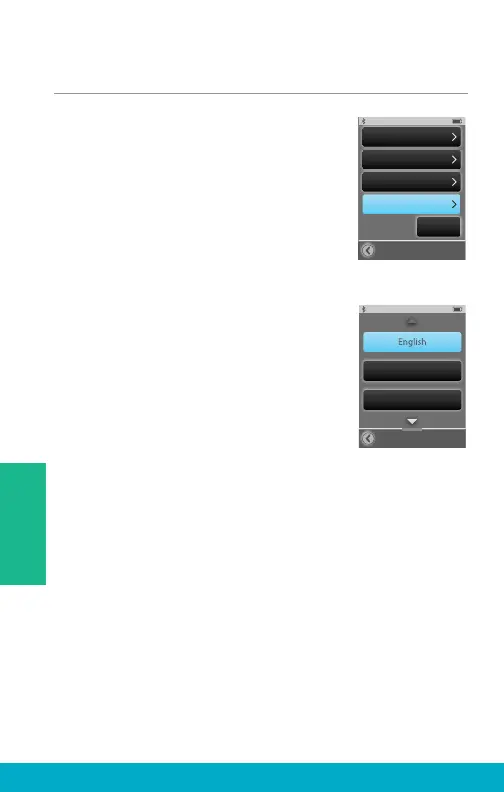
(1) Select the Tools icon at the
bottom of the display to navigate
to the Tools screen.
(2) Select Settings button on the
Tools screen.
(3) Select Advanced Setup button on
Settings screen.
(4) Select Language on Advanced
Setup screen.
(5) Using up and/or down arrow, scroll
through list of available languages.
Select desired language.
(6) Select Yes to accept new language.
(7) Select Cancel to continue with
previous language selection.
Advanced Setup
Hearing Devices
Features
Remote Layout
Settings
Lock
Off
Language
Language
Espanol
Deutsch
34
Tools



 To Next Page