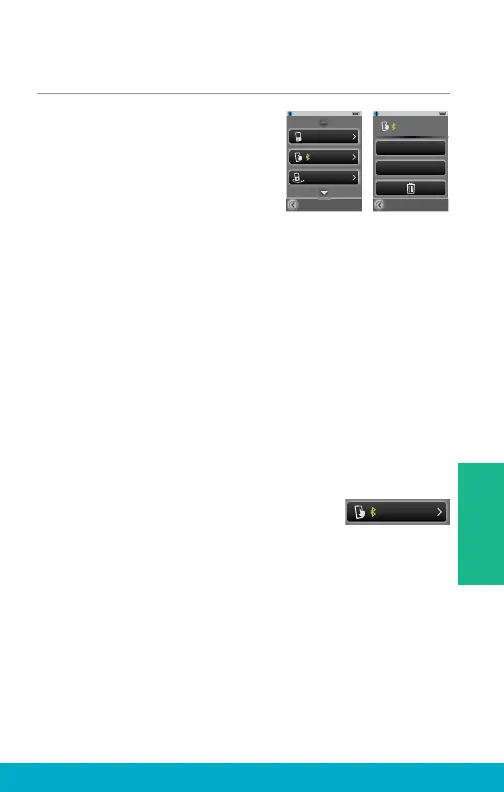
Manage Paired Bluetooth Devices
(1) Select the Tools icon at the
bottom of the display to navigate
to the Tools screen.
(2) Select Bluetooth button on
the Tools screen.
(3) Select the Paired Devices button
to view the list of paired Bluetooth devices.
(4) Select a specifi c Bluetooth device to view more details.
Change List Order button – moves Bluetooth device in
the list via up/down arrows.
Choose Icon button – select graphic icon to be
associated with Bluetooth device.
Trash button – deletes Bluetooth device pairing from
SurfLink Mobile 2 and removes Bluetooth device from list.
Note: It is also important to manually delete the pairing on the
Bluetooth device itself.
(5) When a paired Bluetooth device is
actively connected to SurfLink Mobile 2,
the Bluetooth Connection icon will
appear next to the device name on
the Paired Devices screen.
Kevin_Kindle
HandsFree + Media
Change List Order
Choose Icon
Paired Devices
Kevin_Kindle
SCH-1545
Tim_iPod
Kevin_Kindle
27
Tools



 To Next Page