Tools
Bluetooth Features
To stream audio (including cell phone calls) using
SurfLink Mobile 2, you must fi rst pair your Bluetooth
device with SurfLink Mobile 2. See Bluetooth
Overview (page 43) for more details.
(1) Select the Tools icon at the
bottom of the display to navigate
to the Tools screen.
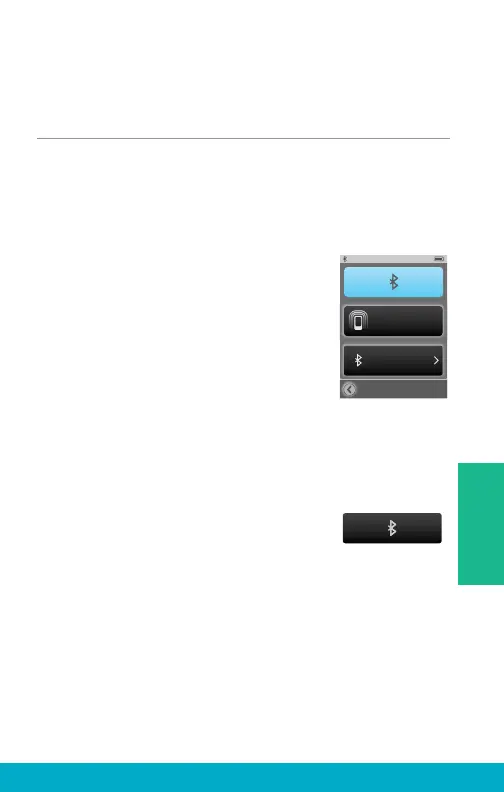
(2) Select Bluetooth button on
the Tools screen.
(3a) Select (highlight) the Bluetooth
button to turn Bluetooth antenna On.
Note: Bluetooth antenna must be on to stream audio from
a connected Bluetooth device, such as your cell phone.
(3b) Select (unhighlight) the Bluetooth button
to turn Bluetooth antenna Off.
Note: Turn off the Bluetooth button when you:
• Do not want to stream audio from your
cell phone or other Bluetooth devices
• Want to conserve SurfLink Mobile 2 battery life
• Are traveling on an airplane
• Are in an area where wireless signals are prohibited
Bluetooth
Paired Devices
Pairing Mode
25
Tools



 To Next Page