Display Options
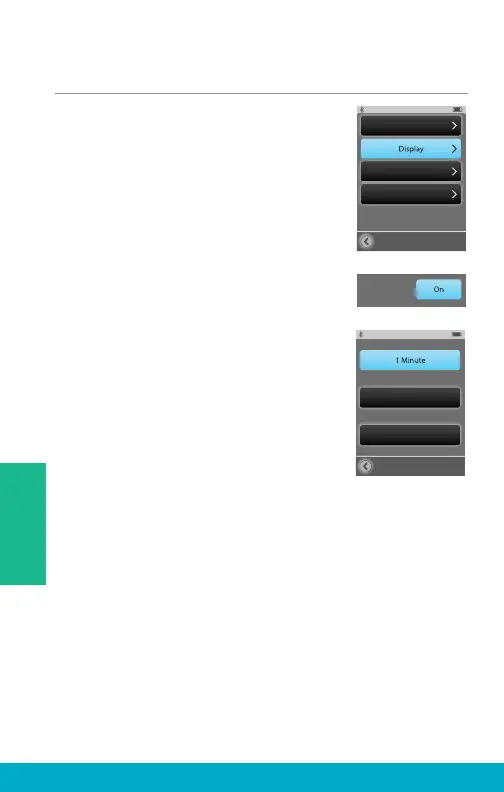
(1) Select the Tools icon at the bottom
of the display to navigate to the
Tools screen.
(2) Select Settings button on the
Tools screen.
(3) Select Display on Settings screen.
(4) Select Button Text to be on or off.
(5) Select Sleep Delay button on
Display screen to confi gure the
display’s Sleep Mode timeout period.
Settings
Advanced Setup
Phone
General
Button Text:
Sleep Delay
3 Minutes
5 Minutes
36
Tools



 To Next Page