Settings Lock
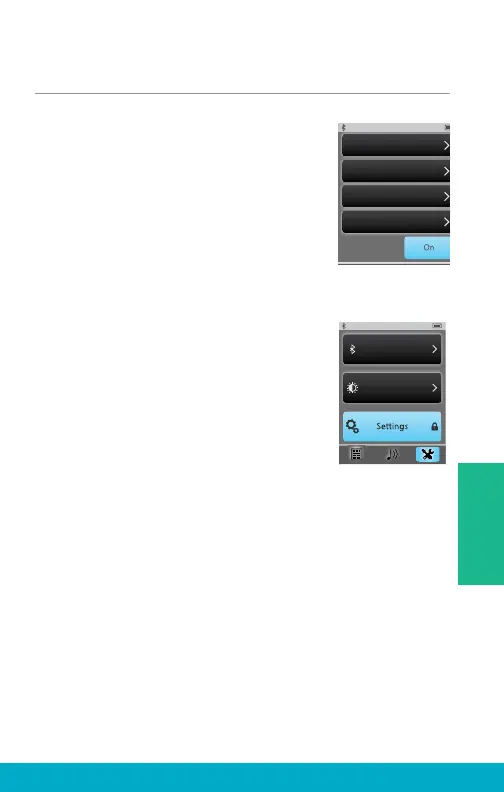
(1) Select the Tools icon at the
bottom of the display to navigate
to the Tools screen.
(2) Select Settings button on the
Tools screen.
(3) Select Advanced Setup button
on Settings screen.
(4) If Settings Lock feature is off,
then user has access to all screens.
(5) If Settings Lock feature is on
(as indicated by the padlock icon
on the Settings button), then user
may want to contact their hearing
professional for assistance.
Note: This feature may be helpful for
users, who might inadvertently make
changes SurfLink Mobile 2 settings.
100%
Hearing Devices
Features
Remote Layout
Language
Settings
Lock
Brightness
Bluetooth
35
Tools



 To Next Page