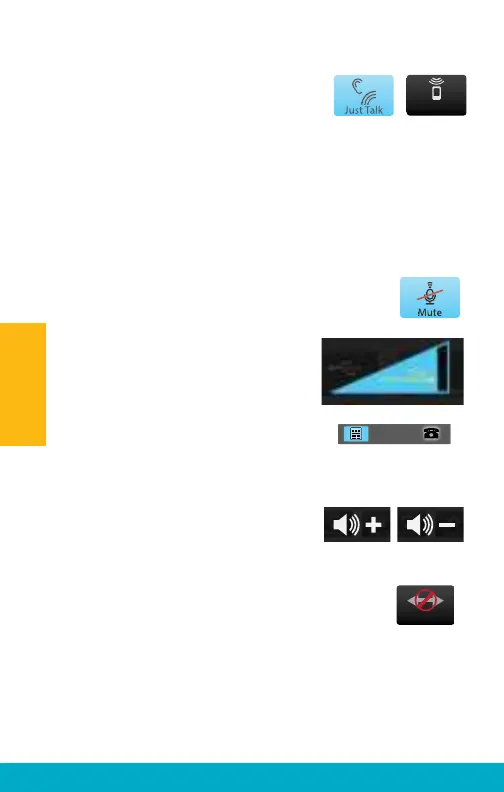
(4a) Either Just Talk (uses the hearing
aid microphone) or SurfLink Mic
(uses the built-in SurfLink Mobile 2
microphone) can be used to pick up
your voice during a phone call. Select desired voice input
option by toggling between JustTalk and SurfLink Mic.
Note: When using the SurfLink Mic, the SurfLink Mobile 2 should
be 8-12 inches [20-30cm] from your mouth for optimal voice
pickup. The lanyard accessory can assist in this situation.
(4b) Select the Mute button during a phone call
to mute your own voice. Unmute your voice by
“unhighlighting” the Mute button.
4c) Use the side buttons to adjust the
stream level (audio resolution) to 75%
or higher.
(4d) During a phone call, select the
Remote icon (lower left) to go to
Remote screen to make hearing
aid adjustments.
Note: Decreasing the volume makes
both the hearing aid microphone input
and streamed audio input
sound quieter.
(5) Select Disconnect button on
Headset screen to end the call.
Note: In addition to ending the call on the
SurfLink Mobile 2, it may also be necessary
to terminate the call on the Bluetooth
Landline phone.
SurfLink Mic
Disconnect
24
Operation



 To Next Page