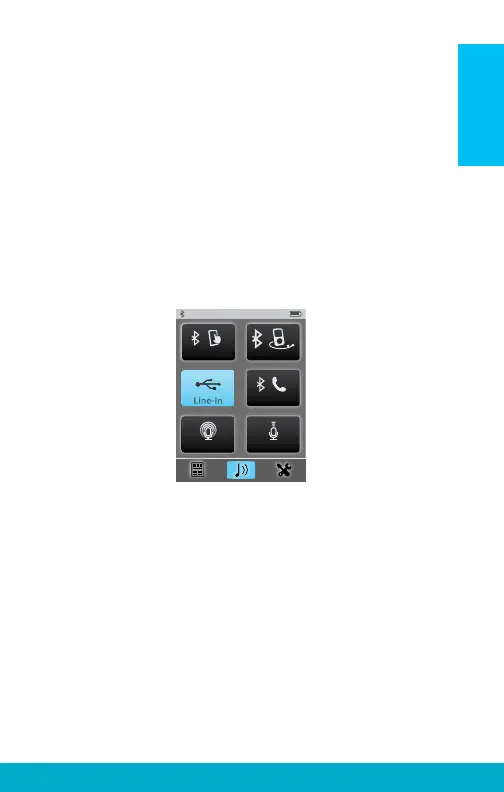
To Stream Audio:
1. Select lower middle icon to navigate to
Streaming screen
2. Only available audio inputs are displayed
3. Select desired audio source button to highlight
and start streaming. Select highlighted button
to stop streaming
4. See page 21 for more details
mp3 Player
Surround Focus
Tablet
Landline
To Answer Incoming Phone Calls:
1. When an incoming call is received by a
cell phone connected to SurfLink Mobile 2,
the incoming call screen will appear
2. Accept call by selecting the Answer button
3. Decline call by selecting Do Not Answer button
4. See page 18 for more details
9
Basic Use



 To Next Page