Static Solutions CT-8900 Combo Tester Instructions 1/15/2015
46
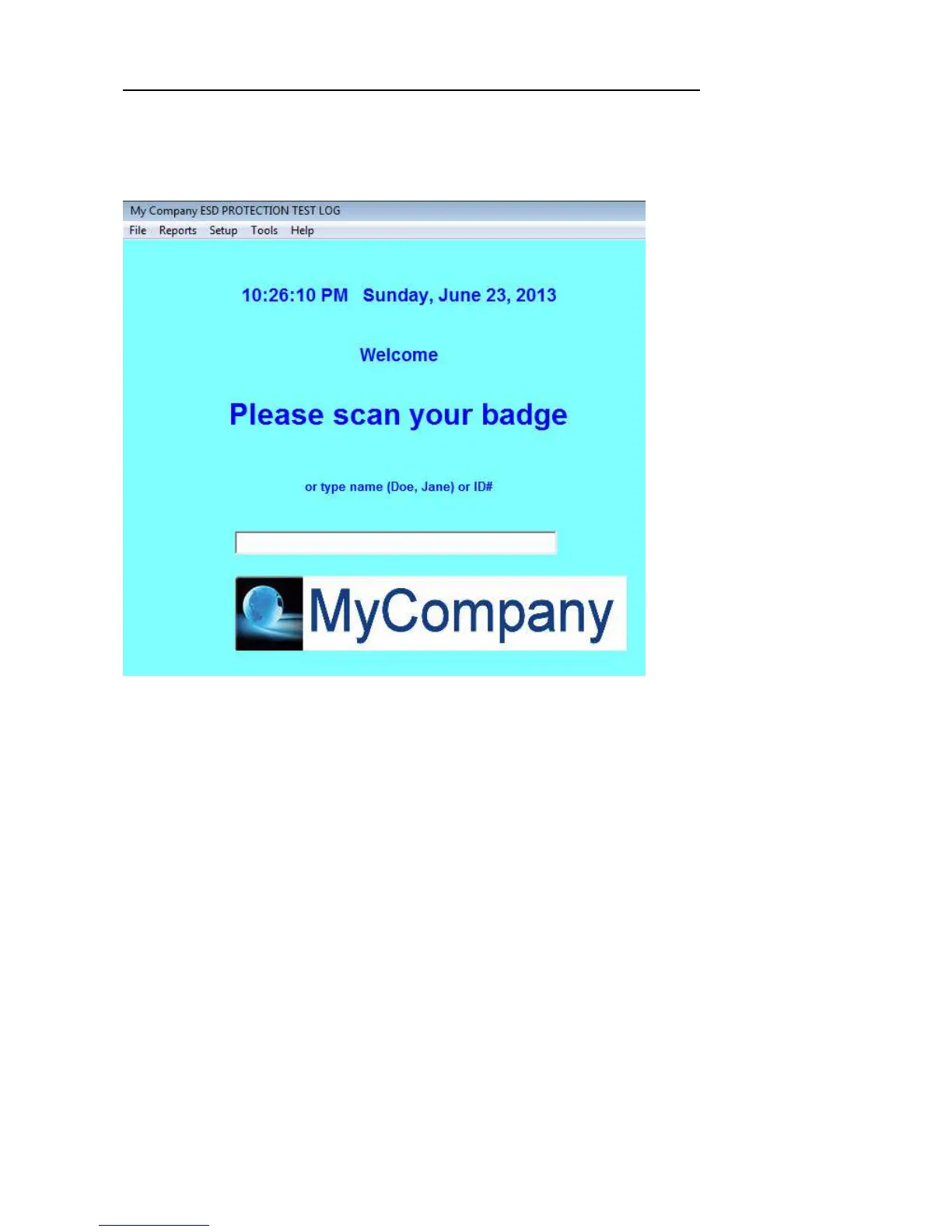
Adding a customer logo image to the "Scan your badge" nameform window.
A customer logo image may be displayed on the "Scan your badge" Nameform. The image may be any size 8 bit 256 color RGB
bmp file named "CustomerLogo.bmp" that is placed in the boot (C:\EsdTest) directory. For a demonstration, rename the
CustomerLogoExample.bmp file to CustomerLogo.bmp. Shown below is the 420 pixel wide by 80 pixel high "MyCompany" image:


 To Next Page