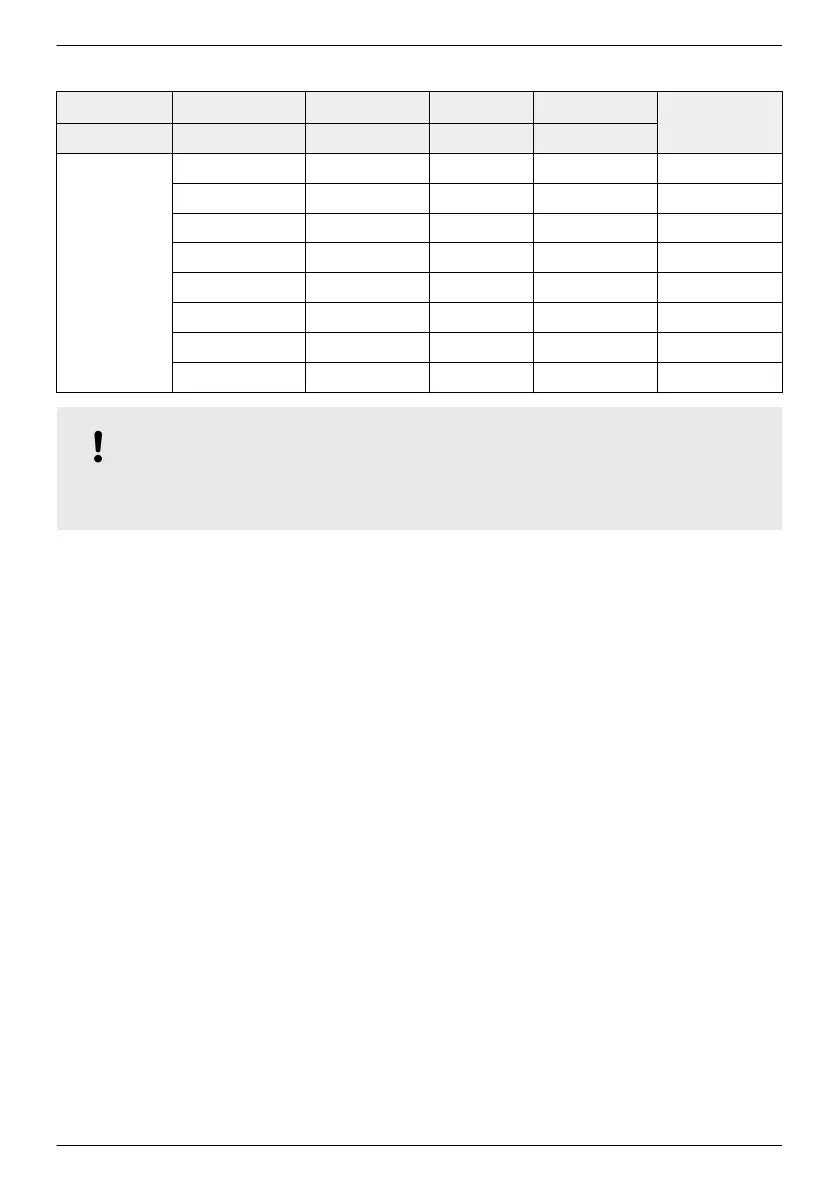
Pin assignment of the alternative RS485 data cable
Device Inverter Solar-Log
WEB‘log
1)
Kiwigrid
Signal
¤
Connection RJ45 Terminal strip RJ12 Terminal strip
Contact
1 1 2 A Data A
2 4 4 B Data B
3 — — — —
4 — — — —
5 — — — —
6 — — — —
7 — — — —
8 3 6 GND Ground
NOTICE!
1
Danger of destroying the inverter's RS485 input. Pin 1 of the RJ12 socket of the Web‘log data
logger carries 24 V DC. Never connect the alternative data connection cable to pin 1!
3.6.5 RS485 termination
To prevent data transmission errors, the start and end of the RS485 bus should be terminated:
n The external data logger (at the start of the data connection) must be terminated according to
the manufacturer's specifications.
n The last inverter (at the end of the data connection) is terminated by plugging the optionally
available termination plug into the free RJ45 socket (for RS485 bus) (see table in
Ä
2.2, p. 7
under 'Optional accessories').
3.6.6 RS485 addressing
Every inverter must be assigned its own unique address for communication between the bus master
and the slaves.
Every inverter is set with an address of 1 at the factory. This means that the addresses must be
adjusted in systems having more than 1 inverter. The following applies:
n The address is changed at the inverter via the menu items ‘Settings’ ▶ ‘Address’ .
n Only addresses ranging from 1 – 99 may be set.
n The bus master devices usually support less than 99 addresses. Consult the respective operating
instructions for these devices before setting the addresses of the inverters.
n We recommend starting with address 1 for the first inverter on the bus and then incrementing
the address by 1 for each subsequent inverter on the bus, in the same order as they are
physically installed. This makes it easier to identify the relevant inverters when their address is
displayed in messages shown on the remote display.
EN
747,431 | Z09 | 2015-09-30
31










 To Next Page