3.2 Operating buttons
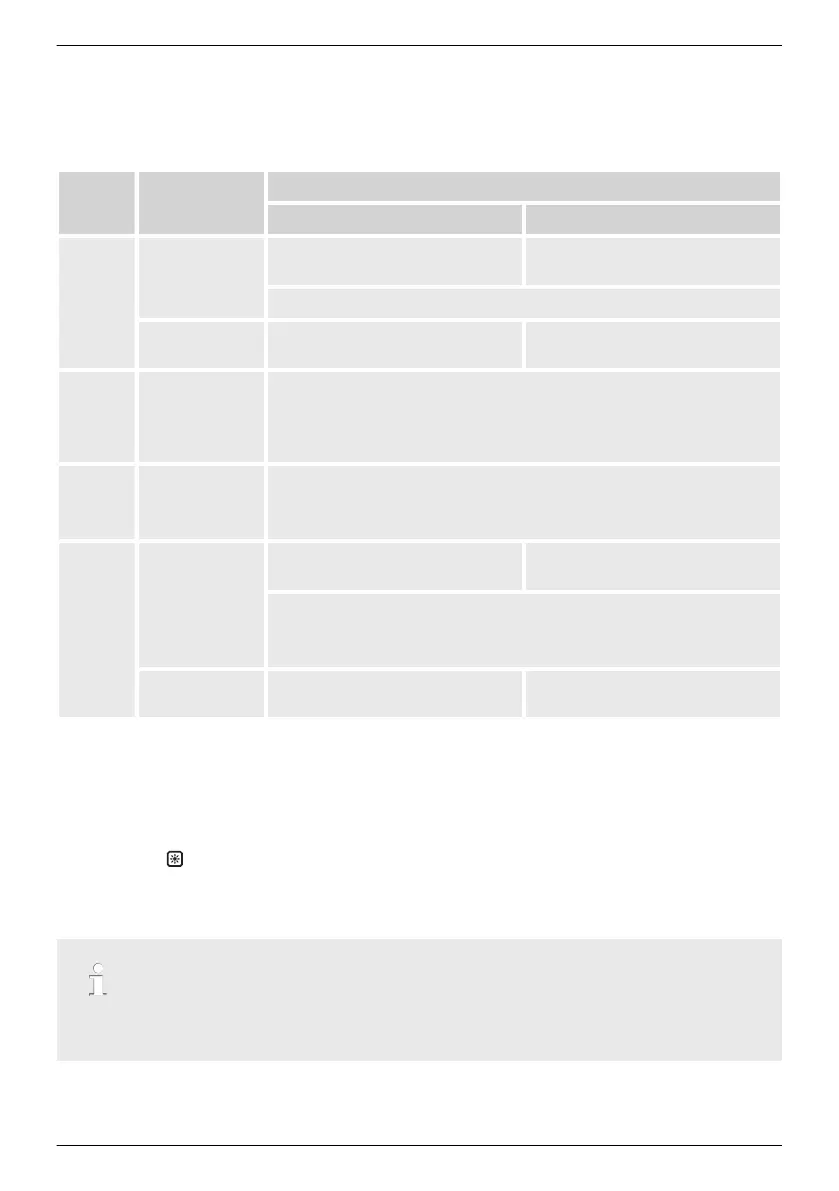
The operating buttons ④ in 3.1.1
Ä
further information on page 14 and in 3.1.2
Ä
further information on page 15 have the following functions:
Button Action
Function
General guided operation
ESC
Press briefly To go to the next higher menu
level
Goes 1 step back
Discards a change
Press long
(≥ 1 second)
Goes to the status display Goes to the beginning of guided
operation
r
Press briefly
n Moves the marking bar or the display content upward
n In a numeric setting, moves the marking 1 position to the left
n Increases an adjustment value by 1 increment
s
Press briefly
n Moves the marking bar or the display content downward
n In a numeric setting, moves the marking 1 position to the left
n Increases an adjustment value by 1 increment
SET
Press briefly To go to the next lower menu
level
—
n A marked numeric value starts flashing and can be changed
n Applies a change
n Changes the status of a control element (check box/option box)
Press long
(≥ 1 second)
Responds to a dialogue with Yes Goes 1 step back
3.3 Display
3.3.1
General information
For the presentation on the display (② in 3.1.1
Ä
further information on page 14 and 3.1.2
Ä
further information on page 15)
n Mounting
: If the inverter is processing large volumes of data, at this time it cannot process
any user inputs. The wait time that occurs is indicated by the animated sun symbol.
n Faults are indicated by a red flashing background illumination. An incident message is
concurrently shown.
Note
The display reacts more slowly at extremely low temperatures. In particular, this can apply for
coolcept-x
devices if they are used outdoors.
EN
747,431 | Z09 | 2015-09-30
16










 To Next Page