EasyManua.ls Logo

Steca coolcept - Operation; Operating Function Overview

Steca coolcept
94 pages
Print Icon
To Next Page IconTo Next Page
To Previous Page IconTo Previous Page
Loading...
5 Operation
5.1
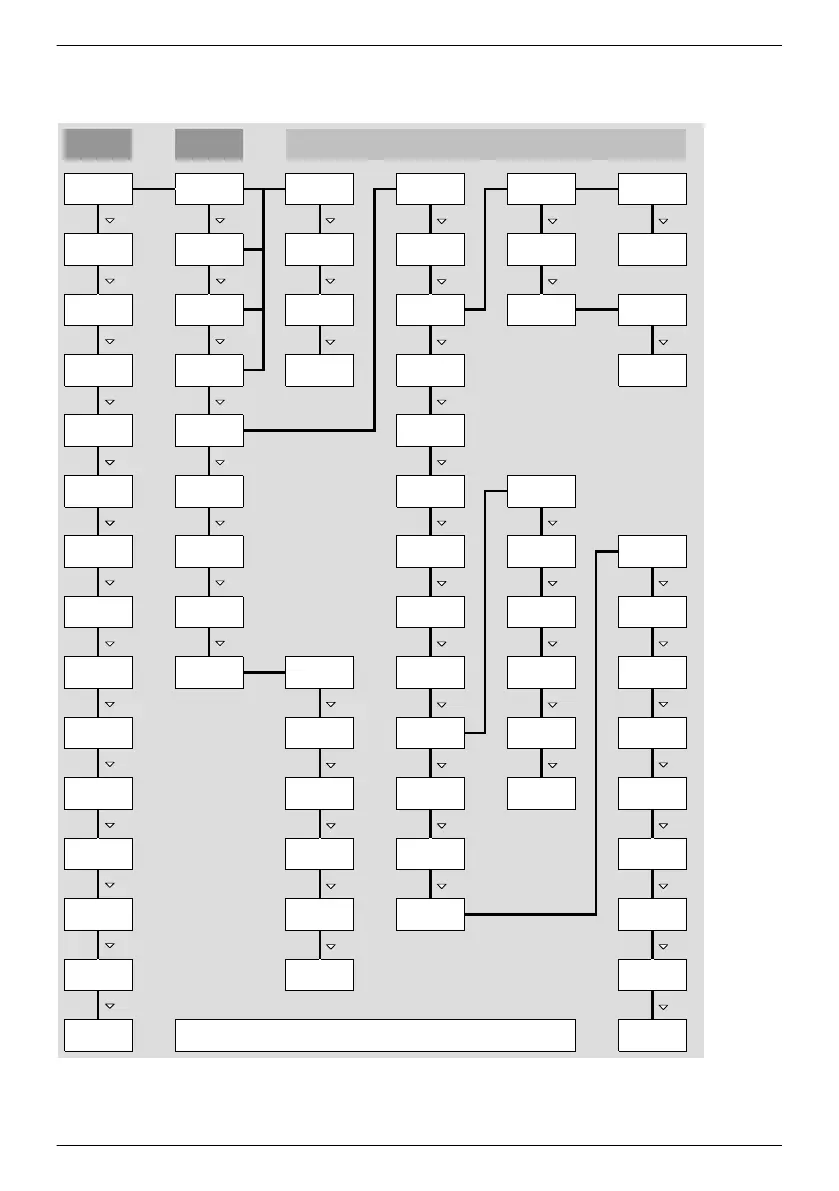
Overview of operating functions
SET SET SET
SET
SET SET SET
SET
SET
SET
SET
SET
Del. country
settting
Contrast
RS485
address *)
Network
Alarm
Self test *)
Backlight
Service
Self
consumption *)
Time/date
Remuneration
*)
Energy
management *)
Daily
Monthly
Annual
Yield
Remuneration
*)
Event log
Total
Contact info
System info
Country
setting
React. pwr.
char. curve *)
Autarky level *)
Settings
Self test *)
Operating
hours *)
Internal
t
emp. *)
Derating *)
A
bs. max.
power *)
Day max.
yield *)
Max. daily
power *)
Status
display
Main menu
Grid voltage
G
ener. ch.
curve
Output power
Current day
yield *)
Grid current *)
Grid
frequency *)
PV voltage *)
PV current *) Meas. values
Reset max.
vals.
DHCP
IP addressLanguage
Clear
event log
Submenus
Information
DNS
Web portal
Subnet
mask
Gateway Voltage limits
off *)
Energy
meter *)
Meter type *)
Configuration
*)
Dyn. feedin
control *)
Mode *)
Connection
test *)
Reactive
power *)
*) Dieser Menüpunkt wird nicht immer angezeigt. Ob er vorhanden ist, hängt von den
Einstellungen am Wechselrichter und der Fimware-Version ab.
CO
2
saving *)
Total yield
*)
Frequency
l
imits
Voltage
limits Ø
Power limiter
Fixed voltage
Factory
setting
All parameters
Network
Only the s and SET operating buttons are illustrated (for the sake of clarity).
EN
747,431 | Z09 | 2015-09-30
50

Related product manuals