25
Chapter 2: Hardware
© 2012 Stenograph, L.L.C.
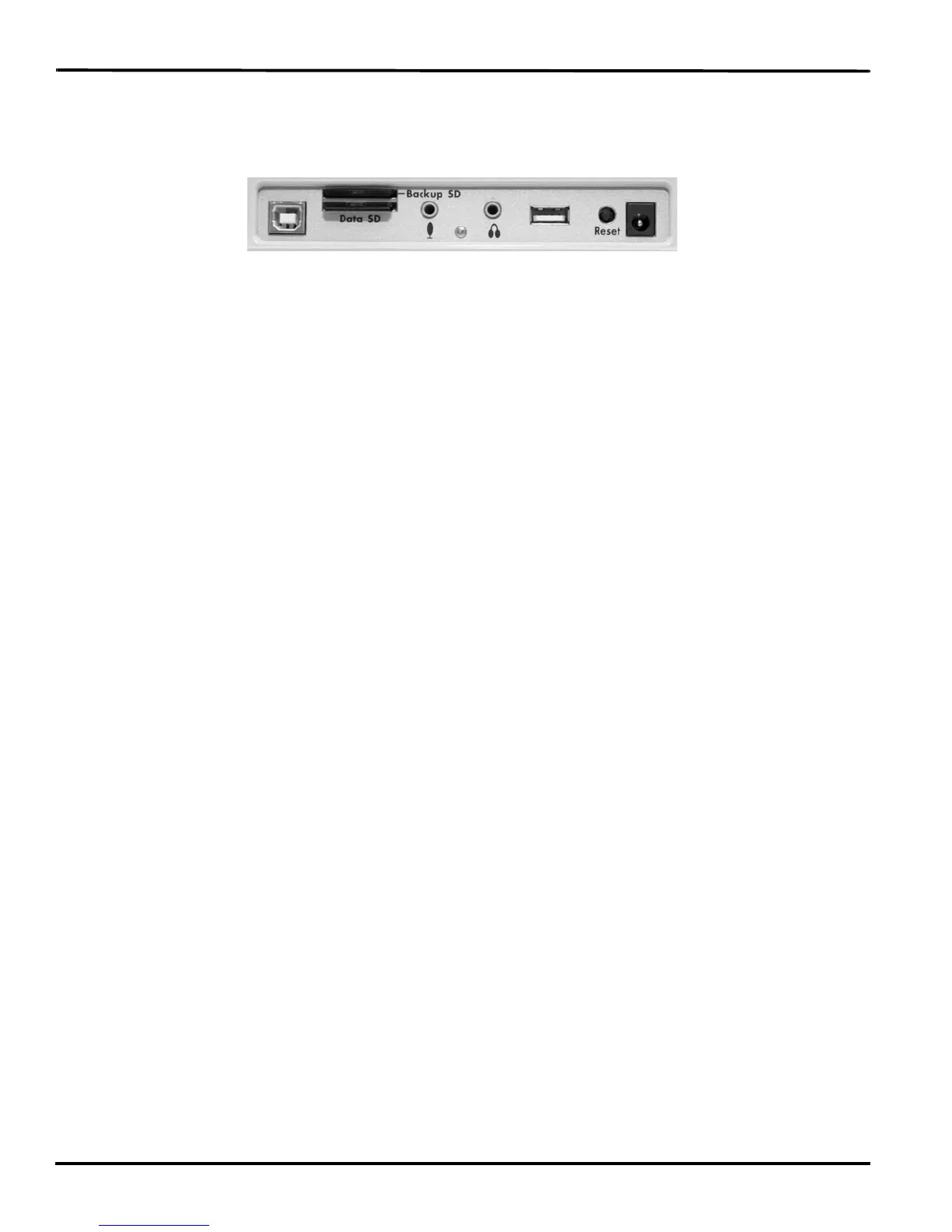
Reset
The Reset button is a small, recessed button located on the back of the Diamante to the left of the
AC Adapter/Charger port.
Like other computer equipment, the Diamante can seem unresponsive when it receives a series of
commands it does not recognize. If the Diamante appears unresponsive, press the Reset button on
the back of the Diamante. When you press the Reset button, the Diamante reboots and is then ready
to use.
If you had a file open before pressing Reset, the Diamante ends the job and the file closes. A message
displays about the recovered file. Press OK to continue. Start writing to append to the previous job.



 To Next Page