89
Chapter 3: Writing on the Diamante
© 2012 Stenograph, L.L.C.
Thumb Drive
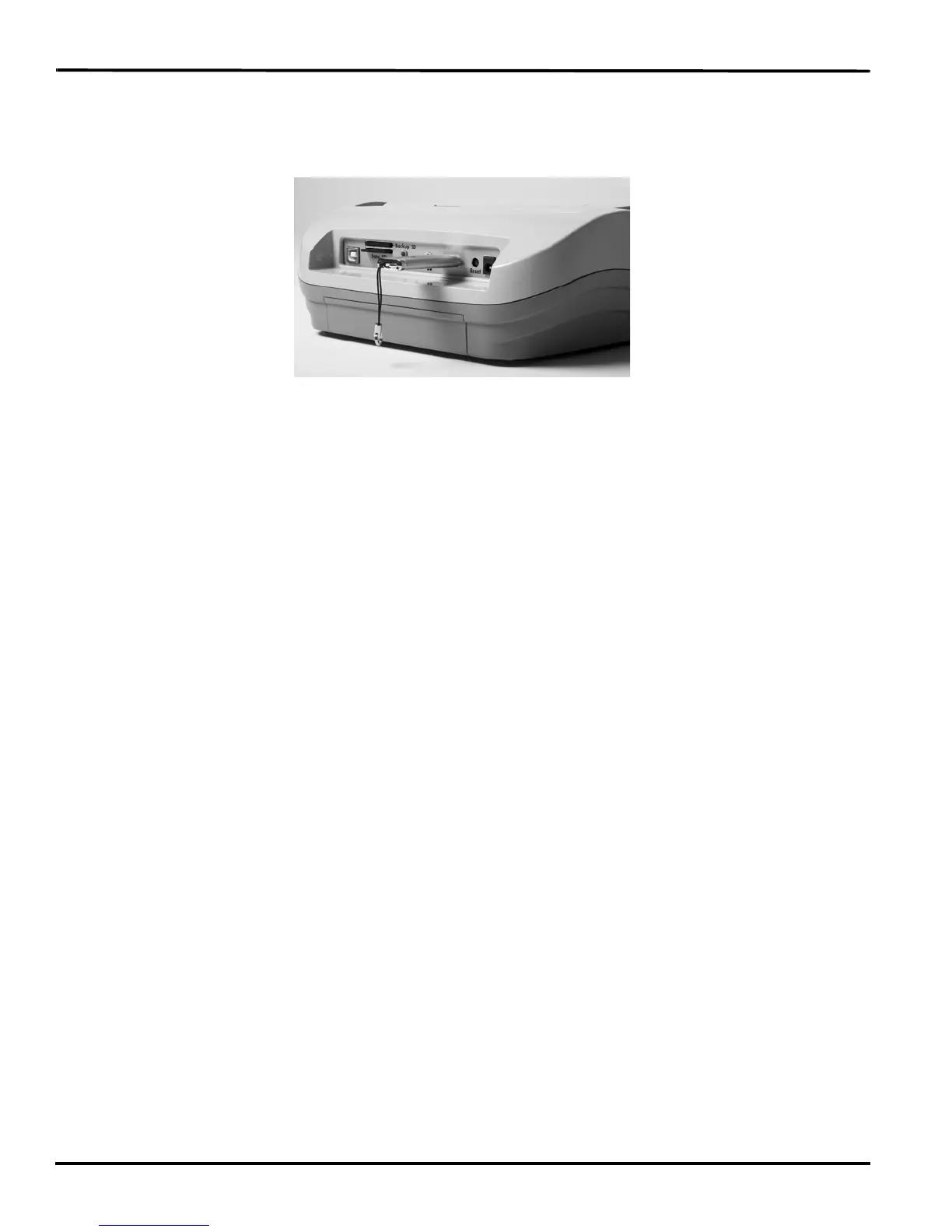
If you have a thumb drive plugged into the USB A (host) port on the back of the Diamante, you can view
files on the thumb drive.
You can copy files from the Data SD card and the Diamante memory to a thumb drive. See View and
Copy Data SD Card Files on page 53 and View and Copy Memory Files on page 74 to copy files.
To view the contents of a thumb drive:
1. Insert the thumb drive into the USB A (host) port on the back of the Diamante.
2. From the Opening Menu, press Storage, Thumb.
3. Do either of the following:
• To view information about the Thumb drive, press Information.
• To view the contents of the Thumb drive, press Files.



 To Next Page