1212
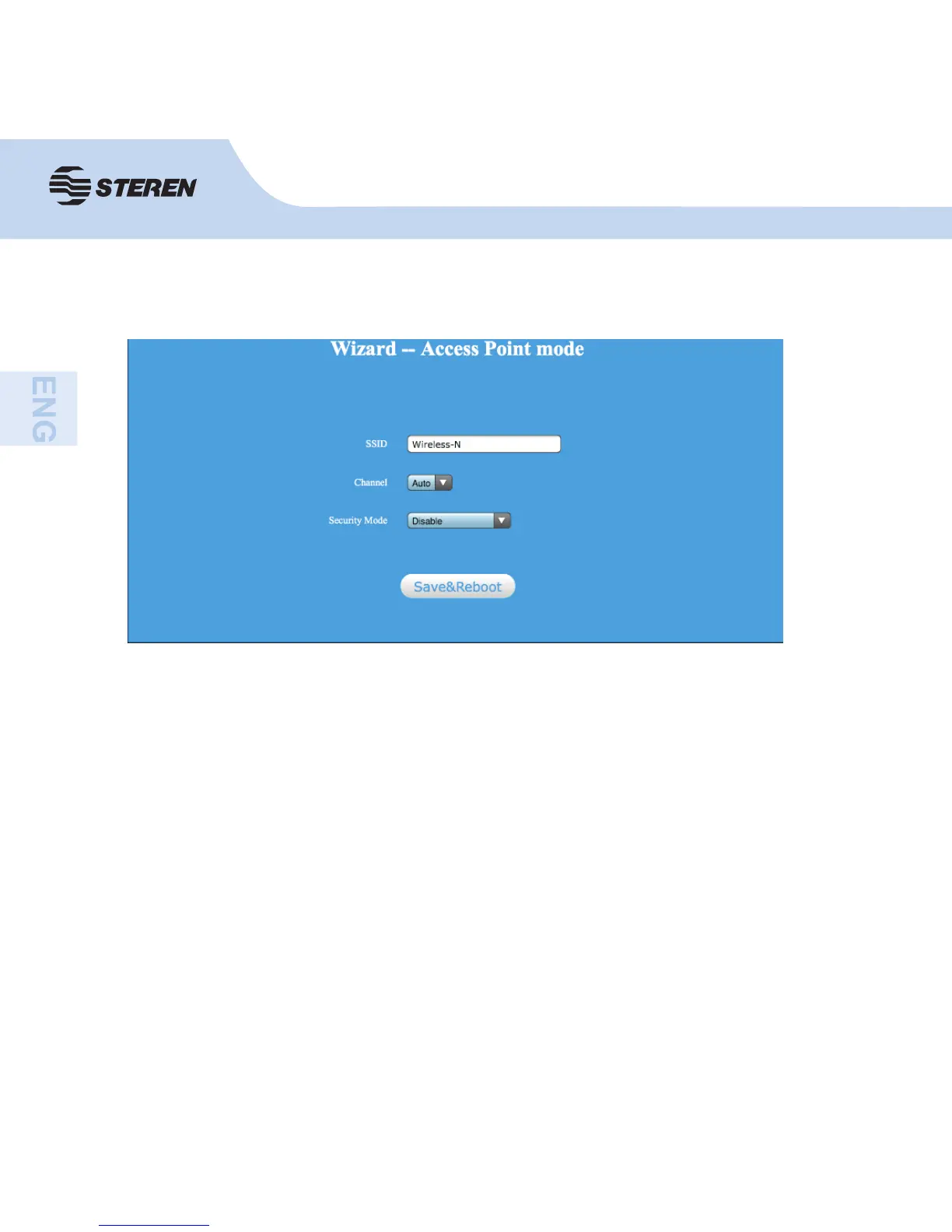
AP mode
- Set the wireless parameter. It is recommended that you change the name of the SSID,
choose Safe mode and enter a password (key).
SSID: Network’s name
Channel: “Automatic” is recommended
Security mode: Confi gure wireless security and encryption to prevent unauthorized
access.
- Click Save and reboot to reboot the router and fi nish the confi guration.



 To Next Page