2525
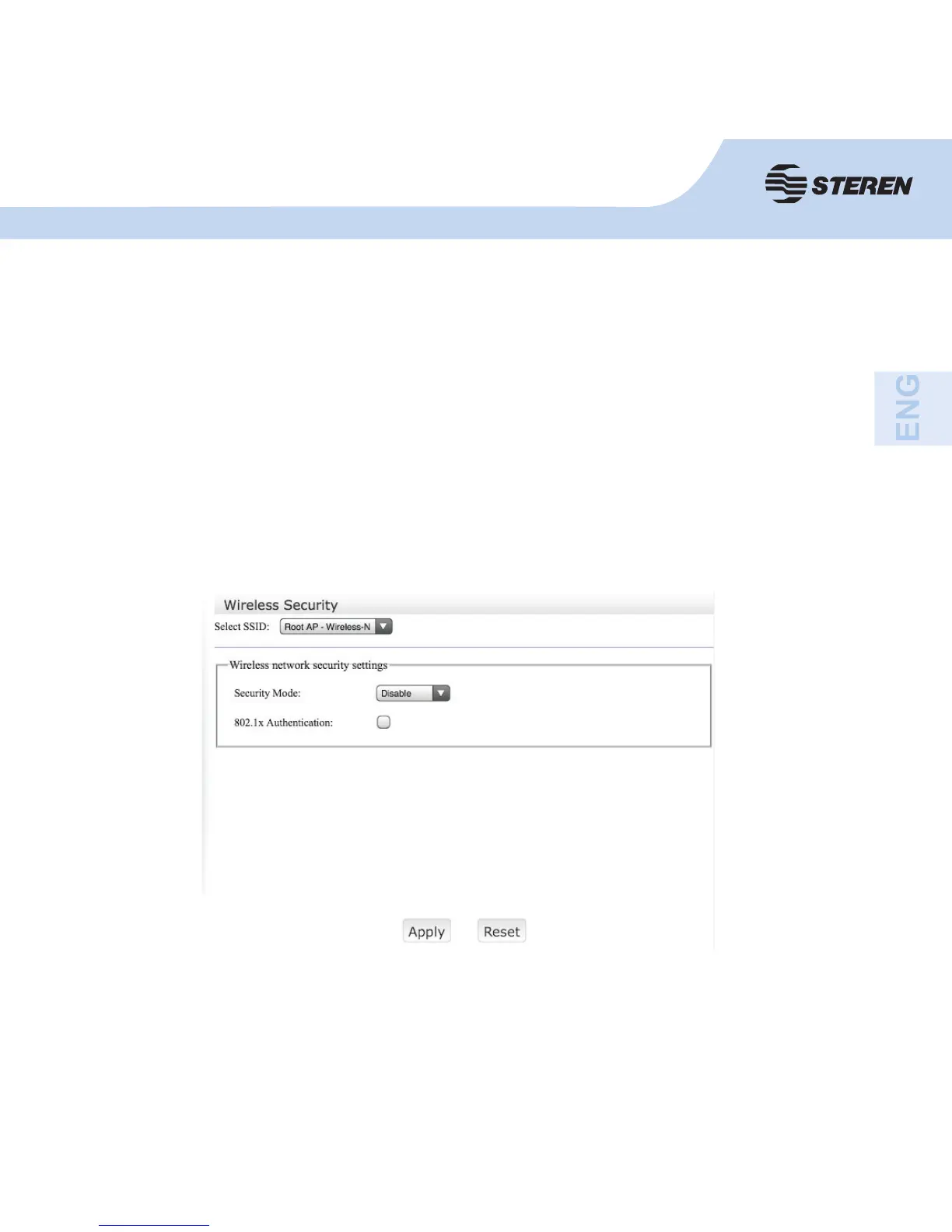
Wireless Security
Confi gure wireless security and encryption to prevent unauthorized access and monitoring.
When you are fi nished, click “Apply”.
- SSID: Main service identifi er. The name of the wireless network.
- Broadcast SSID: Select “Enable” to enable that the device’s SSID is accessible to wireless
clients.
- Channel number: this fi eld determines which operating frequency will be used. The channel
by default is Auto, so the AP will choose the best channel automatically. It is not necessary
to change the wireless channel unless there is interference with other nearby access point.



 To Next Page