3030
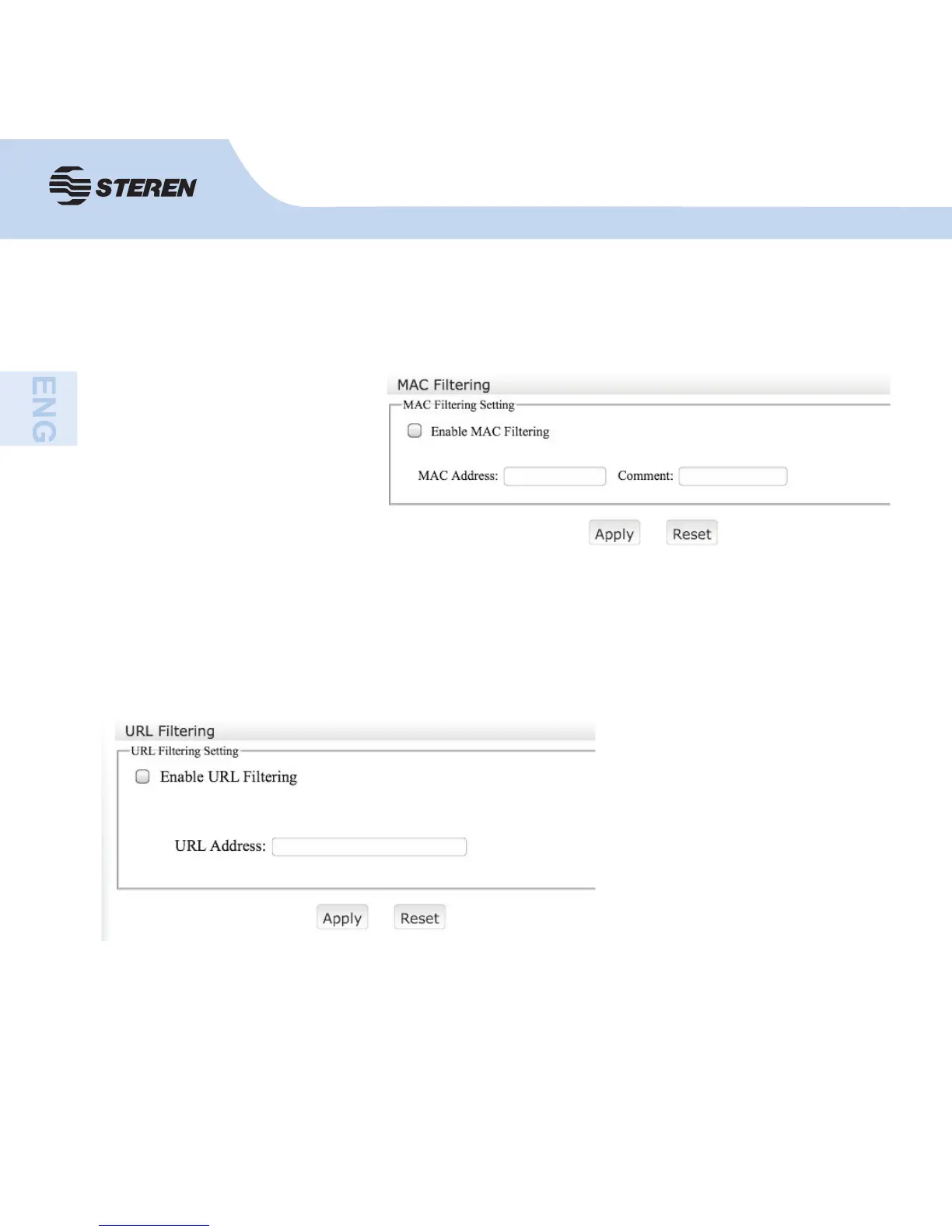
MAC Filtering
With this you can control the MAC addresses you want to connect to the router’s network.
Enable MAC fi ltering, enter
the MAC address you want to
control.
Click on “Apply”. You will notice
the MAC address confi gured in
the current fi lter table.
URL Filtering
Enable URL fi ltering, enter
the URL address you want to
control.
Click on “Apply settings”. You
will notice the URL address you
confi gured in the current fi lter
table.
It helps protect your organization against web threats and to control, monitor and enforce
acceptable use policies of the web.



 To Next Page