2121
The software of the system used by this router is known as fi rmware, and as with other
applications of the system, when you replace the old application with a new one, your
computer will have new features. You can also use this fi rmware update function to add
functionality to your router, and even fi x the errors.
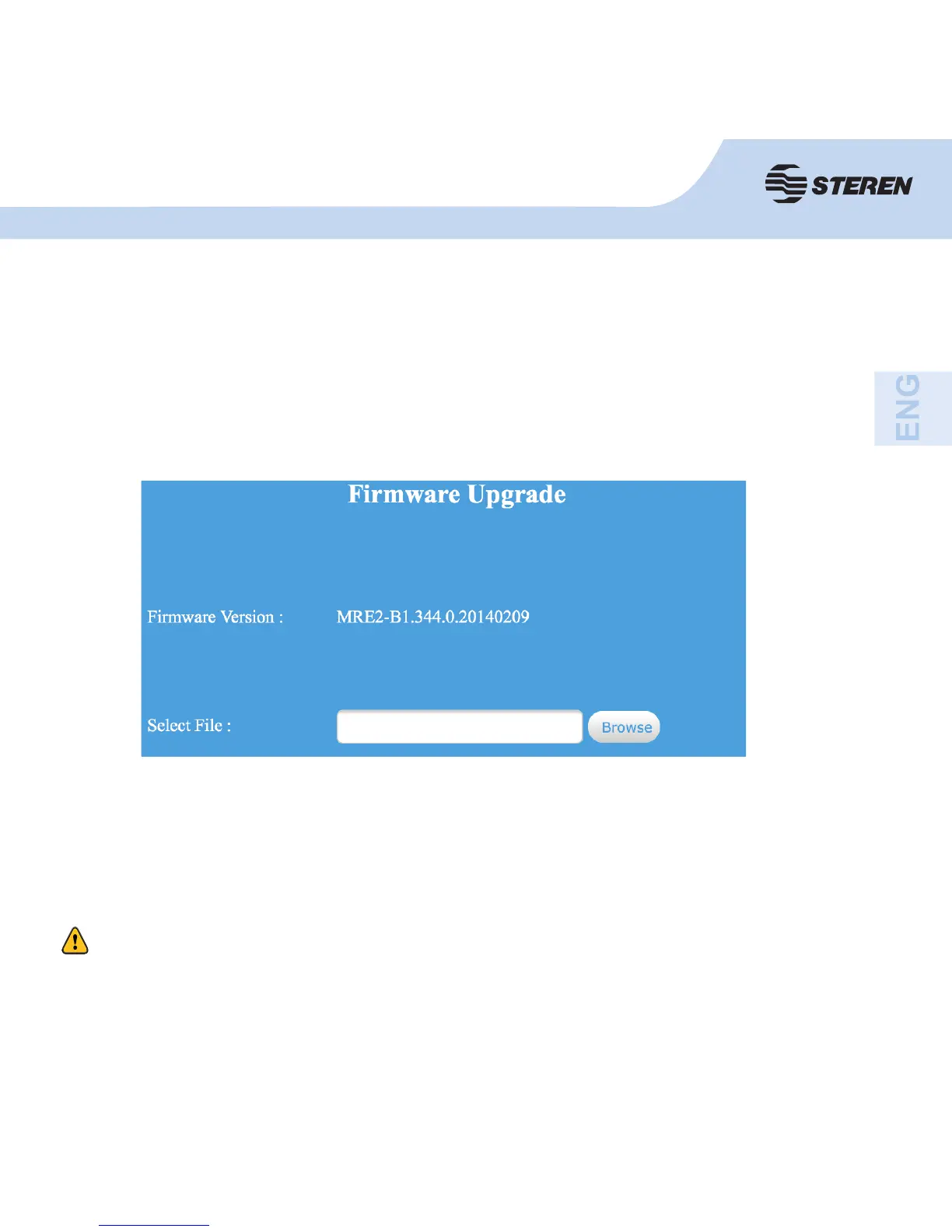
Click fi rmware update. The following message will appear on your screen.
Give click on select fi le, you will be asked the name of the fi rmware upgrade fi le. Please,
download the latest fi rmware from our website and use it in your router.
After choosing a fi rmware update fi le, give the router and click on “Update” will be updated
automatically. This can take several minutes, be patient.
Firmware upgrade
Never close your web browser or disconnect your computer from the router while you are upgrading the
fi rmware. If the fi rmware was loaded is corrupt, the update will fail and will have to return it to the supplier
and ask for help. (The warranty is void if you interrupt the update process).



 To Next Page