3131
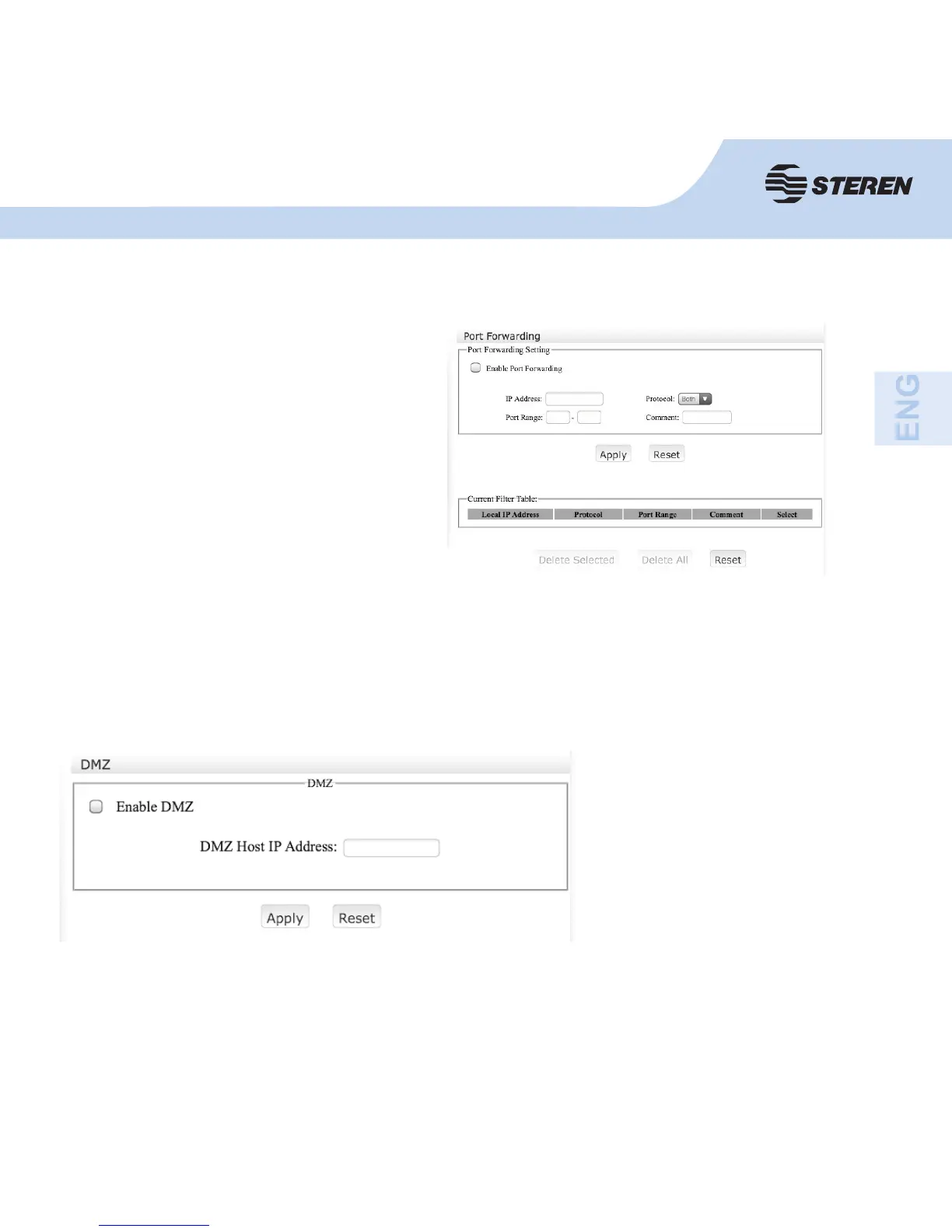
Port Forwarding
Some applications require certain ports
to be openin order to communicate with
their servers.
Here you will be able to open the range
of ports required.
DMZ
Enable DMZ, enter the DMZ
host IP address you want to
use.
Click on “Apply”.
It opens all the ports of a computer/device to the Internet. It should be only used for a special
purpose, because there will not be security able in this situation.



 To Next Page