2020
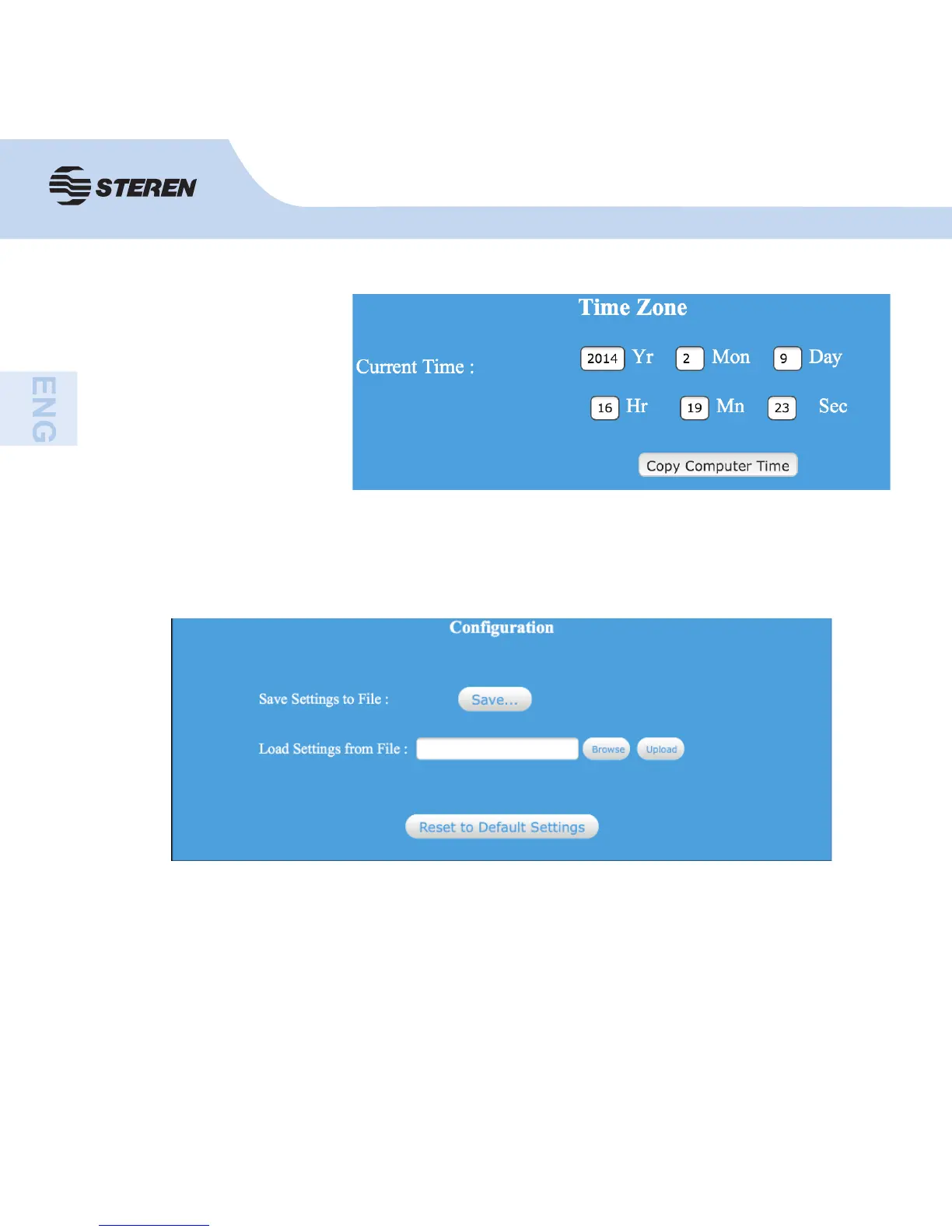
Time zone
Here you can adjust and
save the time zone, and
update the time.
Router manager confi guration
Click backup and reset, located in the web admin interface.
With this you can save all the settings of the router into a fi le, so several copied can be the
router confi guration for security reasons.
Save fi le settings: press “Save” and you will be asked to download the confi guration as a fi le,
can save it with different names for different versions and keep it in a safe place.
Load fi le settings: press “Browse” to choose a confi guration fi le previously saved on your
computer and then click on “Upload” to transfer the fi le of confi guration to the router. Once
the confi guration has been loaded, the confi guration of the router will be replaced by that fi le.
Reset to defaults: click on “Reset to defaults” to remove all the settings made and restore
the router to the factory settings.



 To Next Page