IREWALL
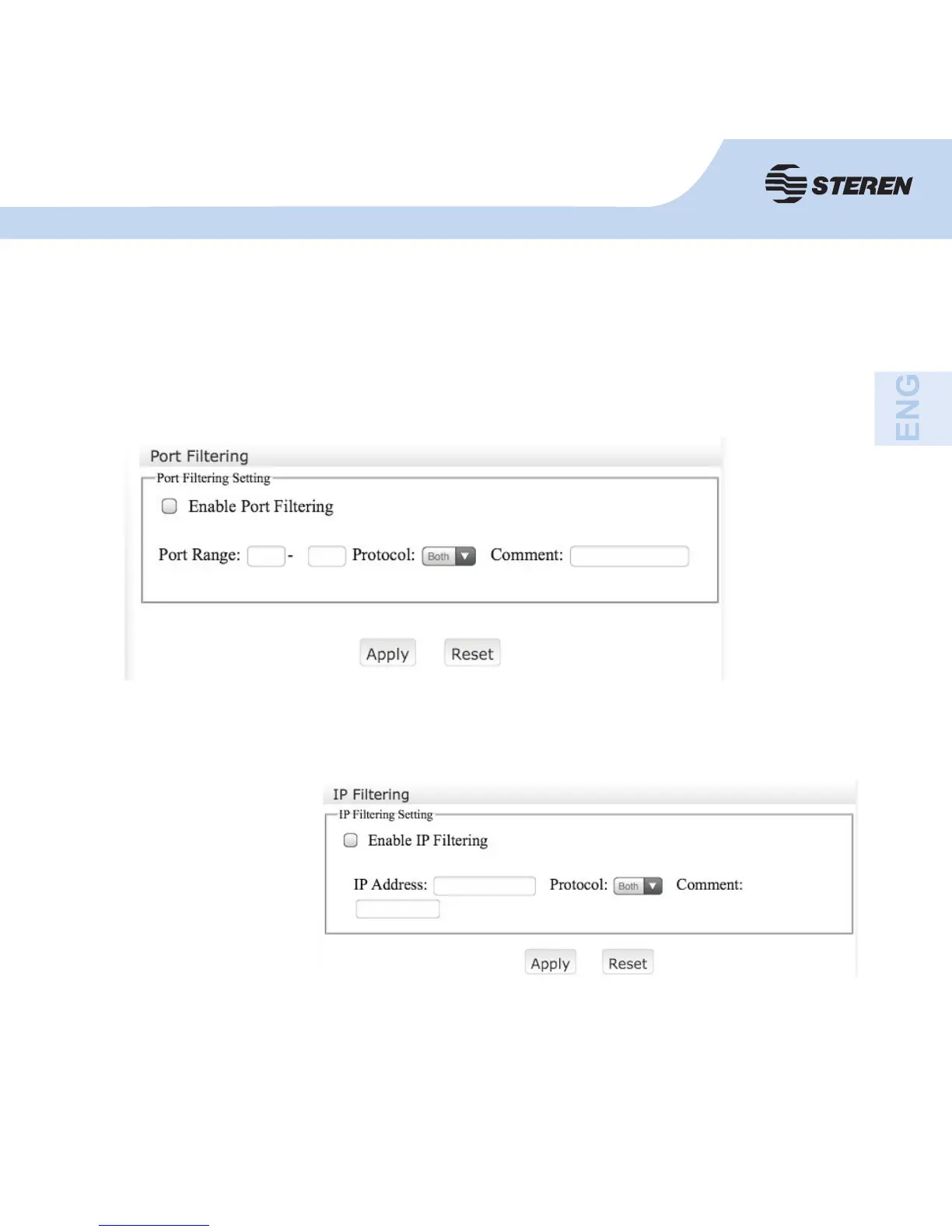
Enable port fi ltering, enter the Port range you want to control.
Click on “Apply”. The port range will appear in the current fi lter table.
Enable the IP fi ltering, enter
the IP address you want to
control.
Click on “Apply”. You will
notice the IP addresses
confi gured on the current
fi lter table.
IP fi ltering
The IP fi ltering decides which IP addresses will be normally processed and wich are
discarded.



 To Next Page