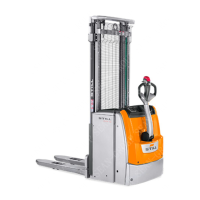
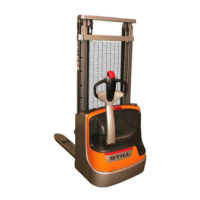
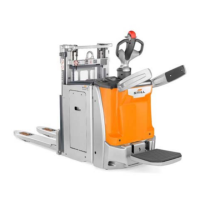
Display
NOTE
The messages shown in the following illustra-
tions are indicative and may vary depending
on the language chosen by the operator via
the display.
Buttons and indicator lights
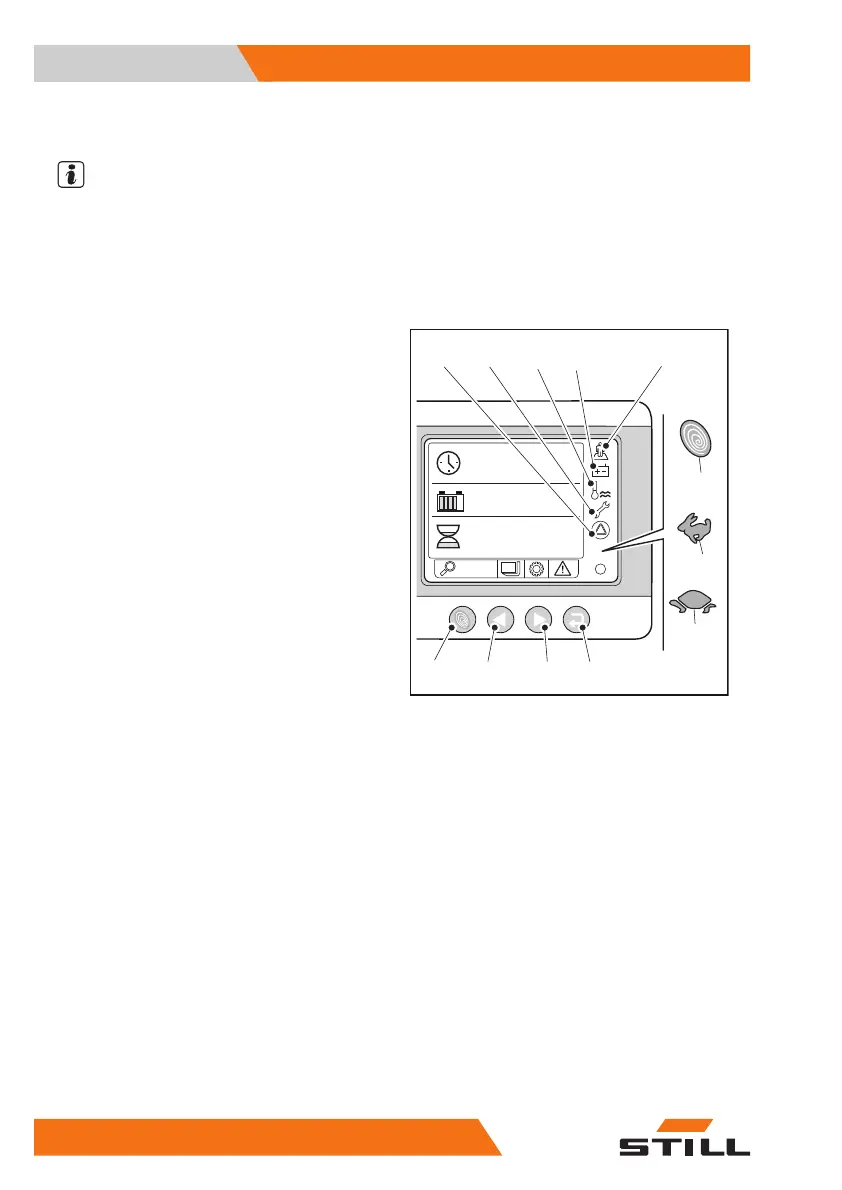
– By pressing the button (A), you can select
the required performance for the truck. Ev-
ery time that you press the button, you se-
lect a different performance from the three
possible options. The three types are as fol-
lows:
●
(1) Blue-Q symbol: maximum battery con-
sumption optimisation
●
(2) Hare symbol: maximum truck perform-
ance
●
(3) Tortoise symbol: automatically reduced
and limited performance
Other indicator lights:
●
(4) The light comes on depending on
whether the operator is present
The indicator light flashes when the truck
does not detect the presence of the opera-
tor through the tiller or the platform. The till-
er is not tilted to the working position or the
operator is not correctly positioned on the
platform.
The indicator light is lit when the truck starts
to detect the presence of the operator
through the tiller or the platform. The indica-
tor light remains lit for approximately ten
seconds, after which it goes out.
The indicator light is off after the truck has
detected the presence of the operator
through the tiller or the platform for more
than approximately ten seconds.
●
(5) The indicator light comes on when the
battery is low
●
(6) The indicator light comes on when a
truck component overheats
●
(7) The indicator light comes on for schedul-
ing truck routine maintenance
●
(8) The indicator light comes on when there
is a problem inside the truck (CAN etc.)
OM2306
STATUS
05.12.2014
hrs
5242.8
93
%
11:05
A B C D
3
2
1
4
58
7 6
Overview
3
Instruments and controls
32 45758043484 EN - 11/2021 - 08


 To Next Page