4 Operation
Blue-Q efficiency mode
Switching off additional consumers
If the Blue-Q efficiency mode is activated,
the controller switches off various additional
consumers after a few seconds in certain con-
ditions. The additional consumers available
depend on the truck equipment. The following
table shows the conditions that cause addi-
tional consumers to be switched off. Only one
of the conditions listed must be met.
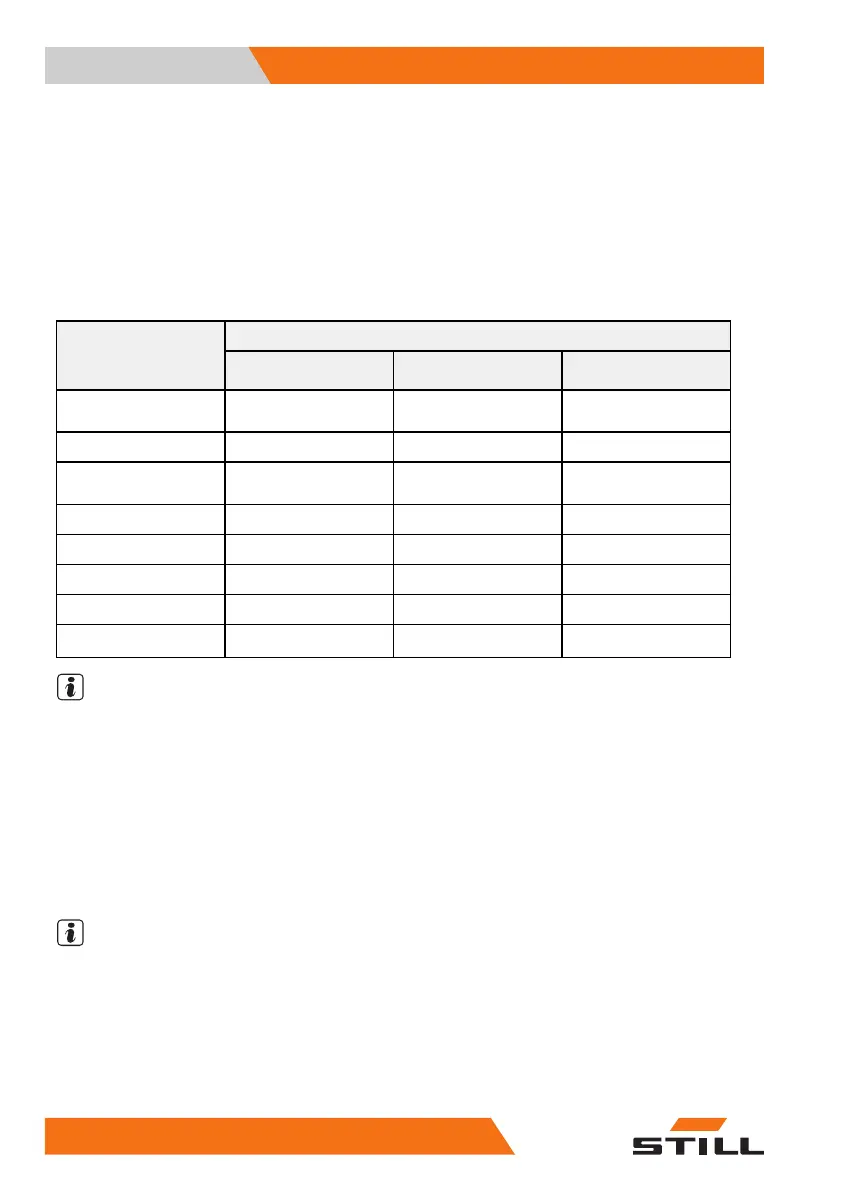
Condition
Additional consumers
Seat switch not
actuated
Truck stopped
Truck is in motion
Front working
spotlights
XX
Backwards > 3 km/h
Rear working spotlights
XXForwards
Top double working
spotlight
XX
>3km/h
Headlights
XX
-
Front wiper
X X Backwards > 3 km/h
Rear wiper
XXForwards
Seat heater
X
--
Cab heating
X
--
NOTE
OntheversionwithStVZO(GermanRoad
Traffic Licensing Regulations) equipment, the
Blue-Q efficiency mode does not switch off
the lighting devices headlights and working
spotlights, side lights, rear lights and license
plate lamps.
Switching efficiency mode Blue-Q on
and off
NOTE
The Blue-Q efficiency mode can be swit-
ched on and off in the
STANDARD
and
FI-
XED-FLEX
operating modes. If the
FI-
XED
operating mode is configured in the
display-operating unit, the Blue-Q button is
disabled and the Blue-Q efficiency mode is
switched on permanently. For information on
122
171533 EN - 02/2019 - 19



 To Next Page