Operation 4
Driving
5060_003-082
1
2
Selecting the drive directio
n
The desired drive direction o
f the truck must
be selected using the drive di
rection switch
before attempting to drive. A
ctuation of the
drive direction switch depen
ds on which
operating devices are fitted o
n the truck.
Possible equipment varian
ts include:
• Multiple-lever
• Mini-lever
• Joystick 4Plus
• Fingertip
• Mini-console
NOTE
The drive direction can also be changed during
travel. Your foot can remain on the accelerator
pedal while doing so. The truck decelerates
and is then accelerated again in the opposite
direction (reversing).
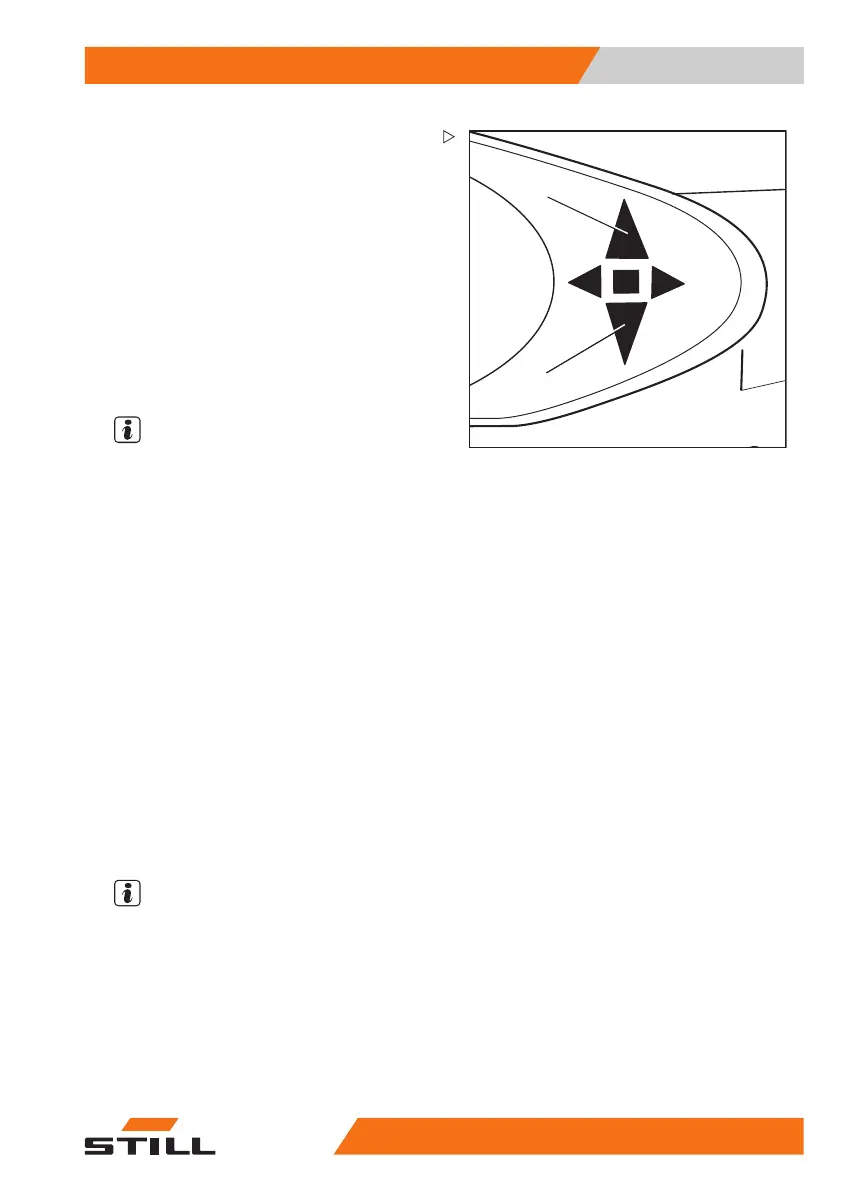
The indicator for th
e selected drive direction
("forwards" (1) or "
reverse" (2)) lights up on the
display-operating
unit.
Neutral position
If leaving the truck for a prolonged period, the
neutral position must be selected in order to
avoid the truck suddenly moving off due to an
inadvertent actuation of the accelerator pedal.
– Briefly select the drive direction switch for
the direction opposite to the current drive
direction.
The drive direct
ion indicator on the display and
operating unit goe
sout.
NOTE
When leaving the seat, the selected drive
direction is set to the "neutral position". To
drive, the drive direction switch must be
actuated again.
171
533 EN - 02/2019 - 19 133



 To Next Page