Overviews 3
Operating devices and display elem
ents
12
3
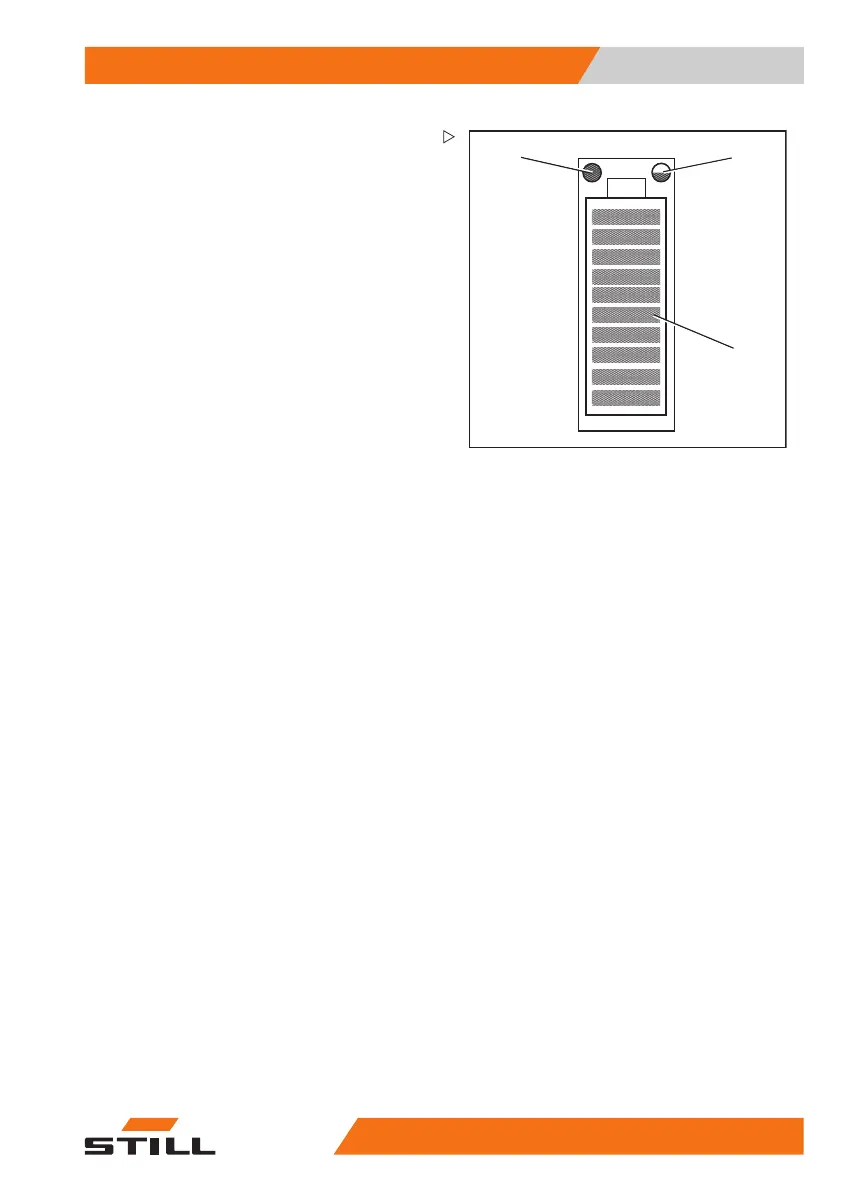
1 Service LED (red)
2 Temperature LED (yellow/red)
3 Charge state LEDs (red/green)
Lithium-ion battery display
The lithium-ion battery display is located on
the side of the battery tray. In addition to the
display-operating unit, the lithium-ion battery
display also shows the charging status and
information relating to the lithium-ion battery.
– Note the information in the separate operat-
ing instructions for the lithium-ion battery.
171
533 EN - 02/2019 - 19 63



 To Next Page