Operation 4
Auxiliary equipment
5060_003-011_V2
1
2
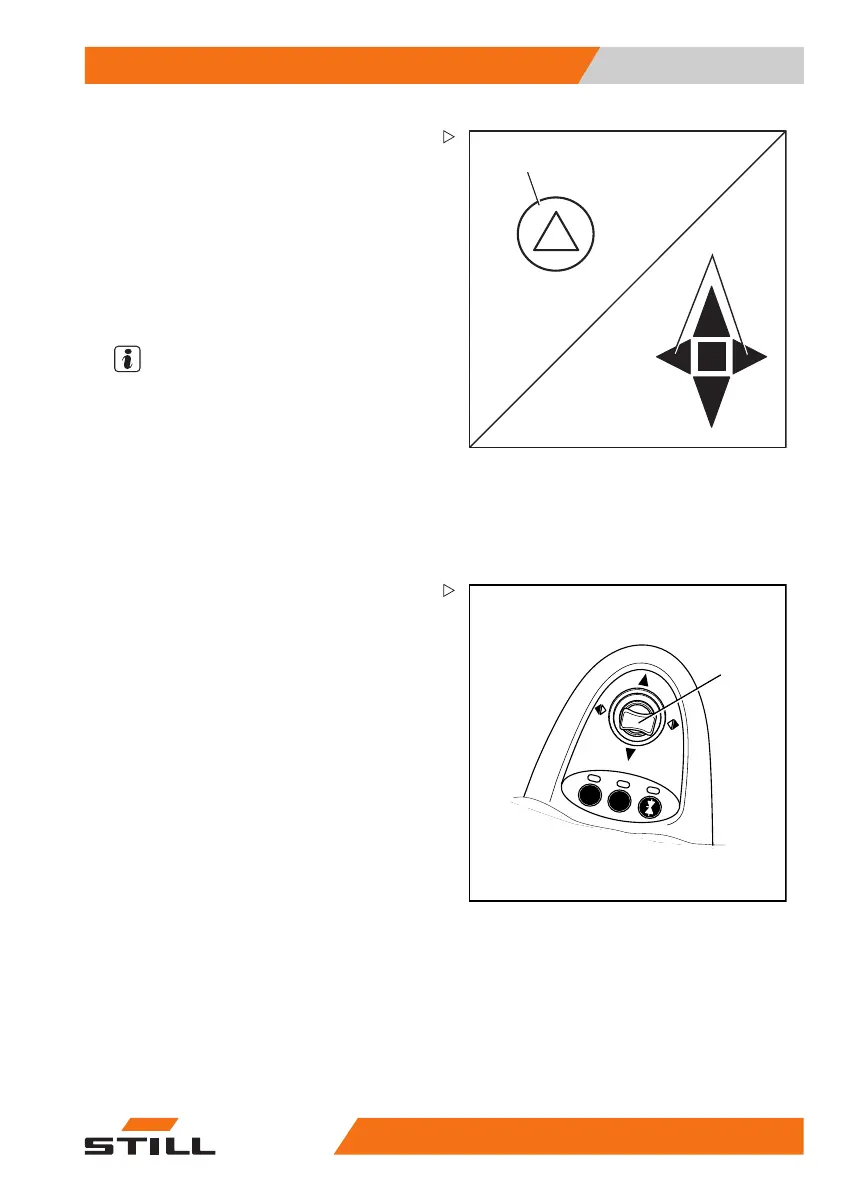
Switching the hazard warning
system on and off
– To switch on the hazard warni
ng system,
press the button (1).
All turn indicators and indicator lights (2) flash.
– To switch off the hazard warning system,
press the button (1) again.
The hazard warning system
goes out.
NOTE
To switch on the hazard warning system
without the key switch being switched on,
press and hold the button for three seconds.
Switching the turn indicators on and
off
Mini-lever version
5060_003-096
1
– Switch on the tur
n indicators by moving
the cross lever o
f the drive direction/turn
indicator (1) to
theleftortotheright.
171
533 EN - 02/2019 - 19 239



 To Next Page