23
StingerElectronics.com
MAIN SETTINGS
HDMI INPUT
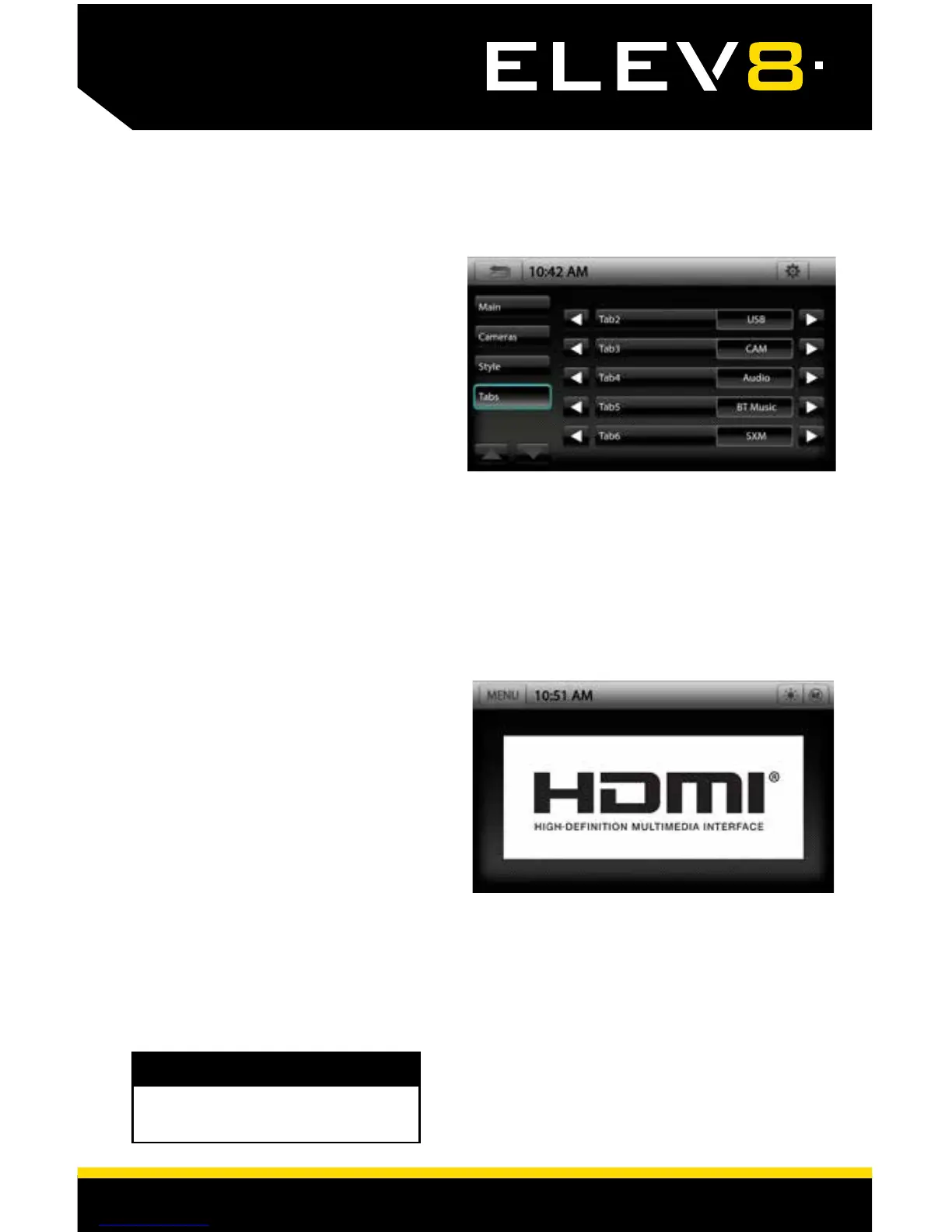
Settings > Tabs
Tabs 2-3-4-5-6 are customizable. Use
the arrows to scroll through available
options. After setting Tabs, touch the
BACK/RETURN arrow to save. Tabs
1 and 7 are xed and can not be
changed.
Touch MENU > HDMI or press the HOME
BUTTON > HDMI to switch to the HDMI
input.
The HDMI input can be used for an
external DVD player, streaming sticks,
media players, smartphone mirroring.
You can only view HDMI content with
the vehicle in Park and the parking
brake ON.
When viewing HDMI content, the
Information Bar will auto-hide. To
access the Information Bar, touch
anywhere on the screen.
WARNING!
Driver is prohibited by law from viewing
video on any in-dash monitor while the
vehicle is in motion.














 To Next Page