35
StingerElectronics.com
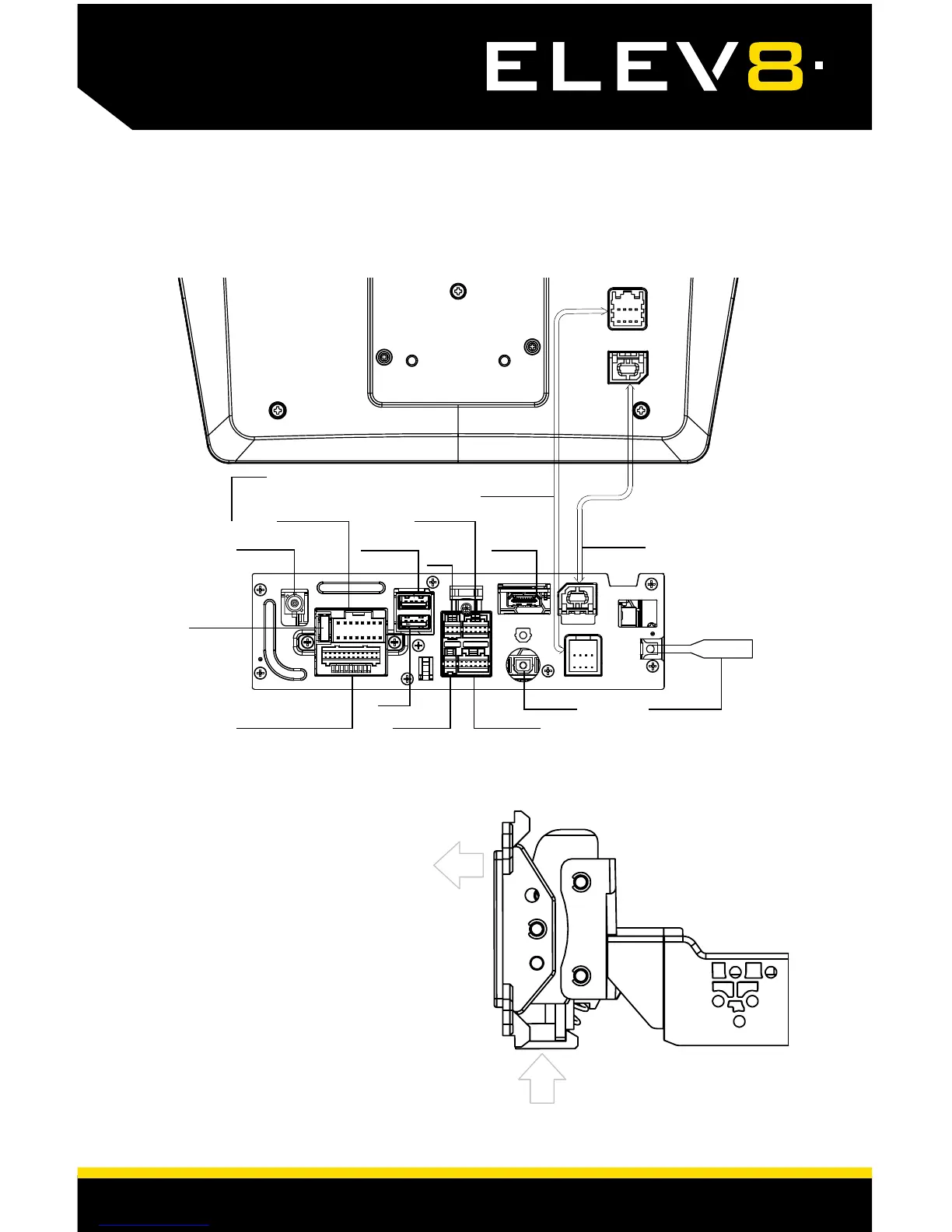
CONNECTIONS
Display Cable
Multi Camera
USB1 CP/AA
1
Power / Speaker
GPS Antenna
LVDS Cable
HDMI Input
USB2
SWI
AV In/Out - Rear Camera Microphone
SiriusXM Tuner
Radio Antenna
TOSLINK
15 Amp Fuse
To remove the display from the
plastic mounting bracket, push up
from compression spring side(1)
and swing out to unhook top(2).
1
2
REMOVING THE DISPLAY
1
The top USB1 must be used for CarPlay and Android Auto.














 To Next Page