29
StingerElectronics.com
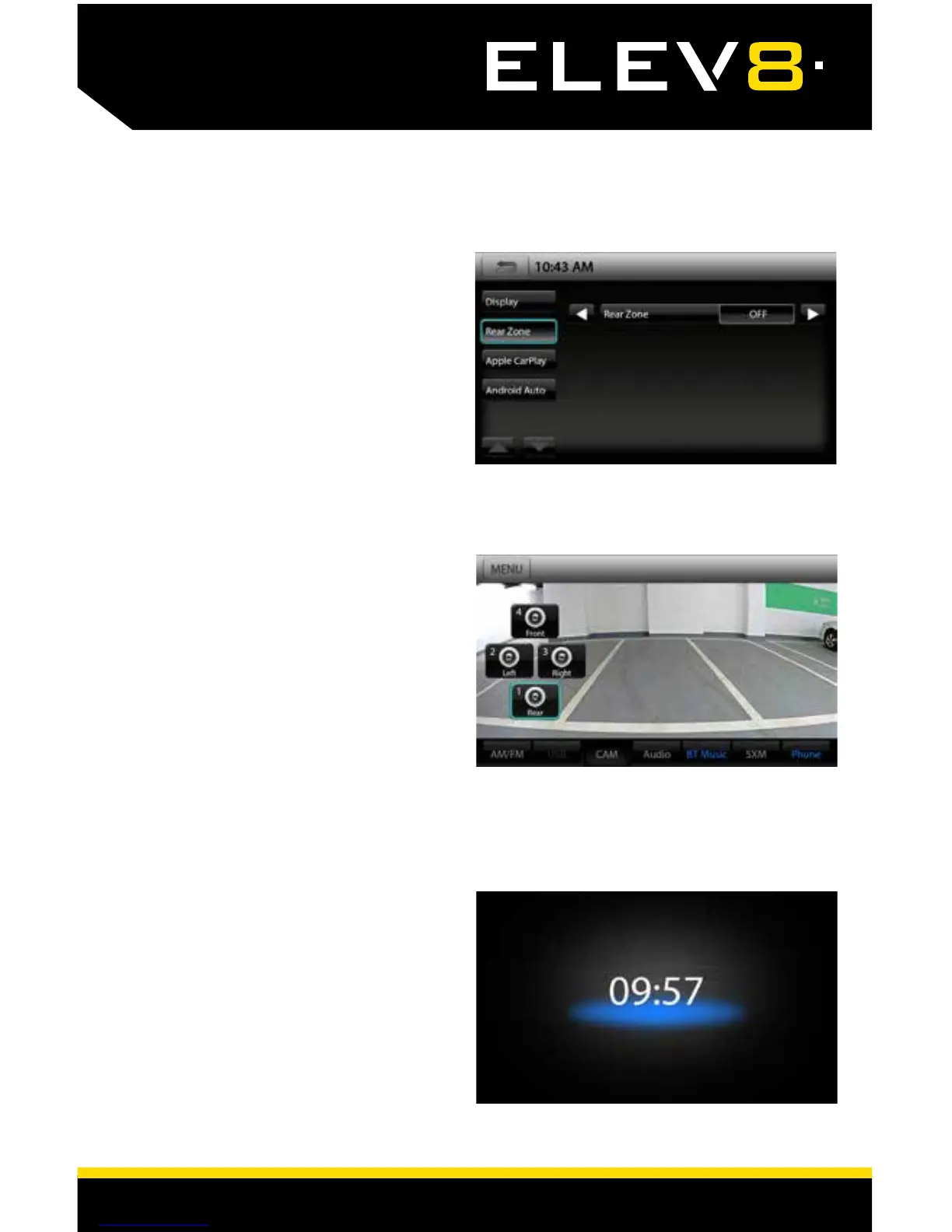
REAR ZONE
CAMERA MENU
DISPLAY OFF
Touch MENU > Rear or press the
HOME BUTTON > Rear to access the
REAR ZONE menu.
Shortcut to Display > Rear Zone
Rear Zone [USB-AV IN]
This selects the Source to send to the AV OUT.
For example, a rear seat entertainment system.
Touch MENU > Cameras or press the
HOME BUTTON > Cameras to access
the Cameras menu.
If there are optional cameras
installed, you may view them at
anytime using the Cameras menu.
To Exit a camera view, touch
anywhere on the screen.
Touch MENU > DISPLAY OFF or press
the HOME BUTTON > DISPLAY OFF to
turn off LCD and display large clock.
Tap the screen anywhere to return to
regular display.














 To Next Page