24
StingerElectronics.com
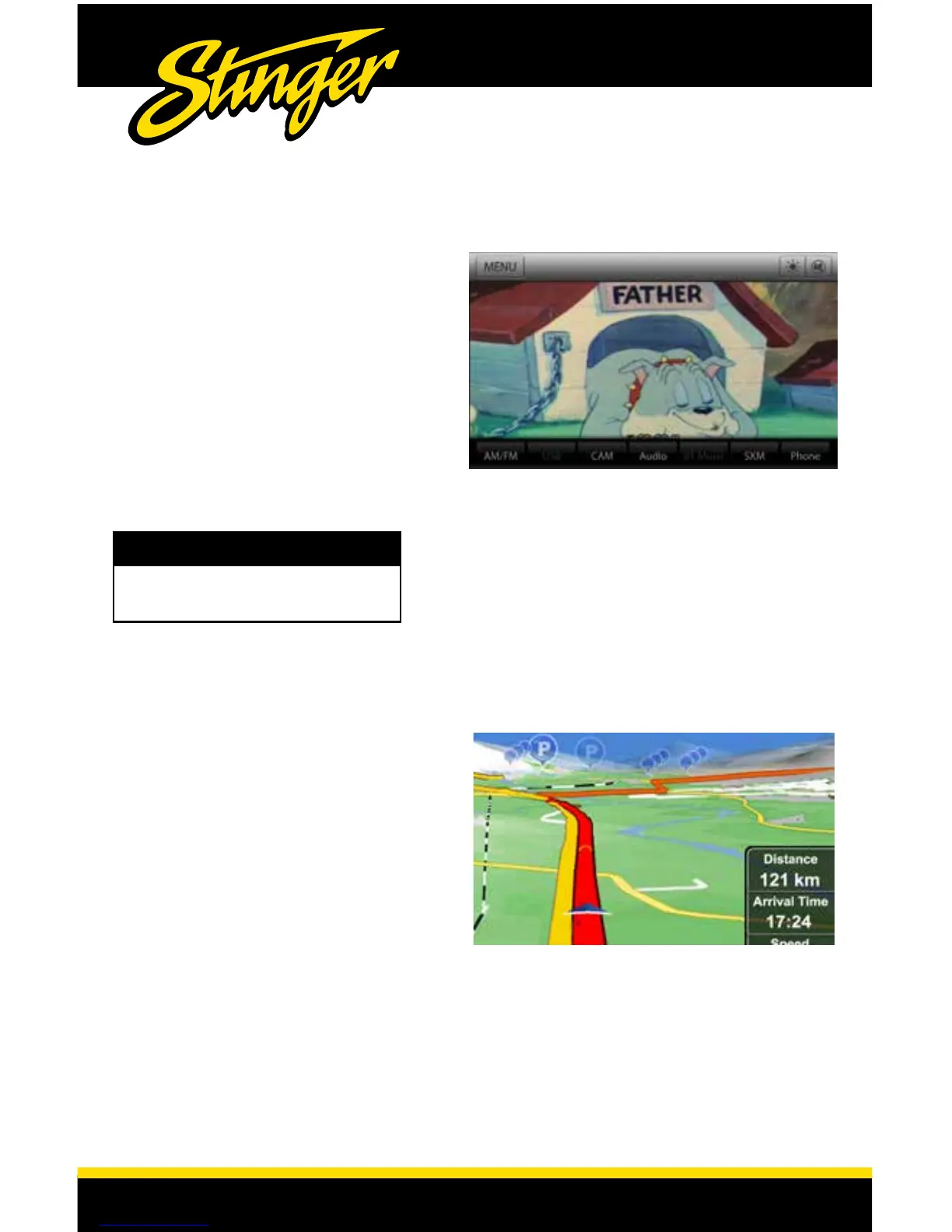
AV IN
NAVIGATION
Touch MENU > AV IN or press the
HOME BUTTON > AV IN to switch to
the AV input.
You can only view the AV input with
the vehicle in Park and the parking
brake ON.
When viewing the AV IN, the
Information Bar will auto-hide. To
access the Information Bar, touch
anywhere on the screen.
To access the optional Navigation,
touch MENU > NAVIGATION or press
the NAVIGATION BUTTON on the right
side of the display.
The User Manual for iGo Navigation can
be found on StingerElectronics.com
WARNING!
Driver is prohibited by law from viewing
video on any in-dash monitor while the
vehicle is in motion.














 To Next Page