®
®
stingersolutions.com
stingersolutions.com
24
25
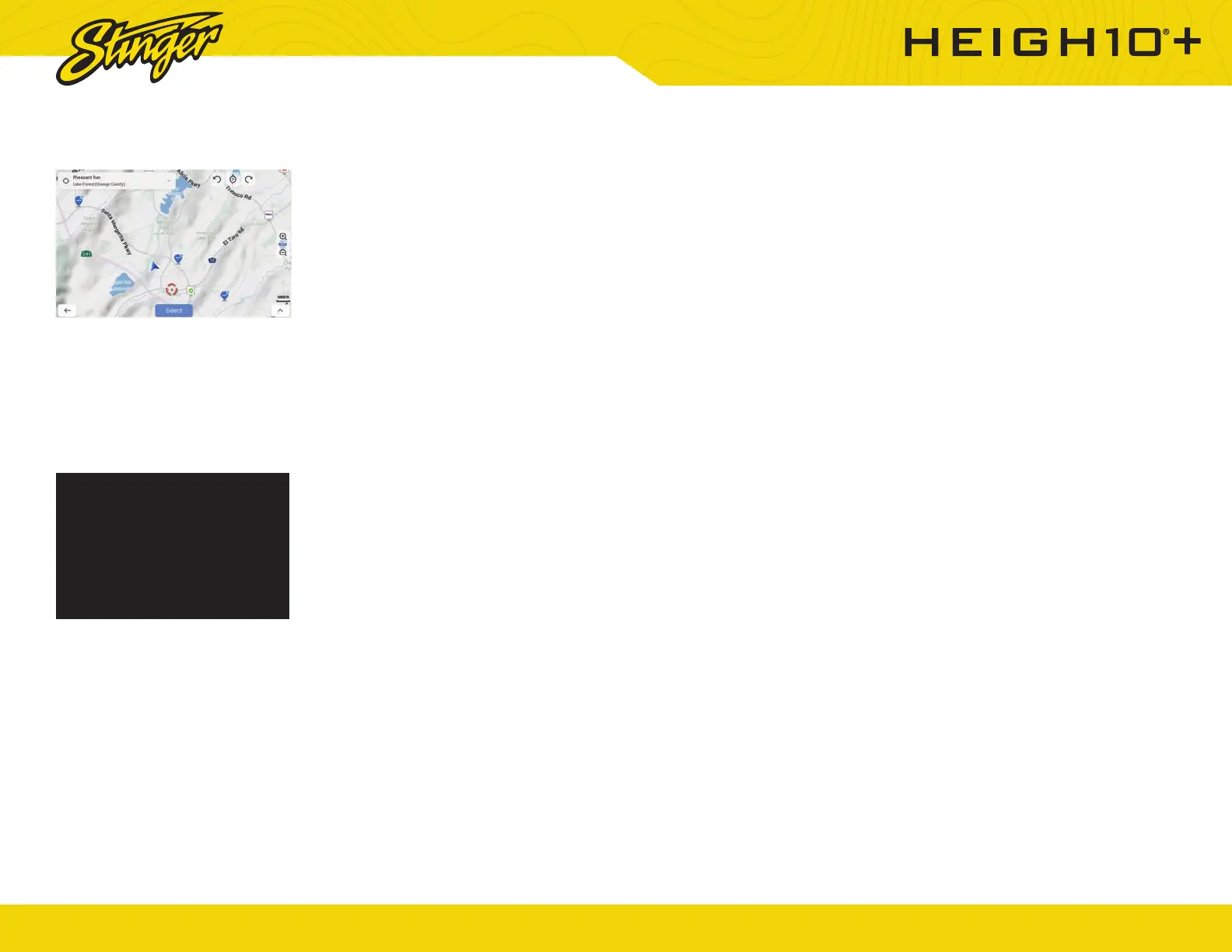
iGO NAVIGATION
DISPLAY OFF
To access the optional iGO
Navigation app, press Navigation
from the Home menu or press
the [NAVIGATION] button on your
HEIGH10+’s face.
To add navigation, ask your dealer
about Stinger’s pre-loaded iGO
Navigation SD Card (Part Number:
SE-P24)
Press HOME BUTTON > Display Off
to turn off your HEIGH10+ display.
This is useful at night to prevent
eye fatigue.
Tap anywhere on the screen to turn
the display back on.













 To Next Page