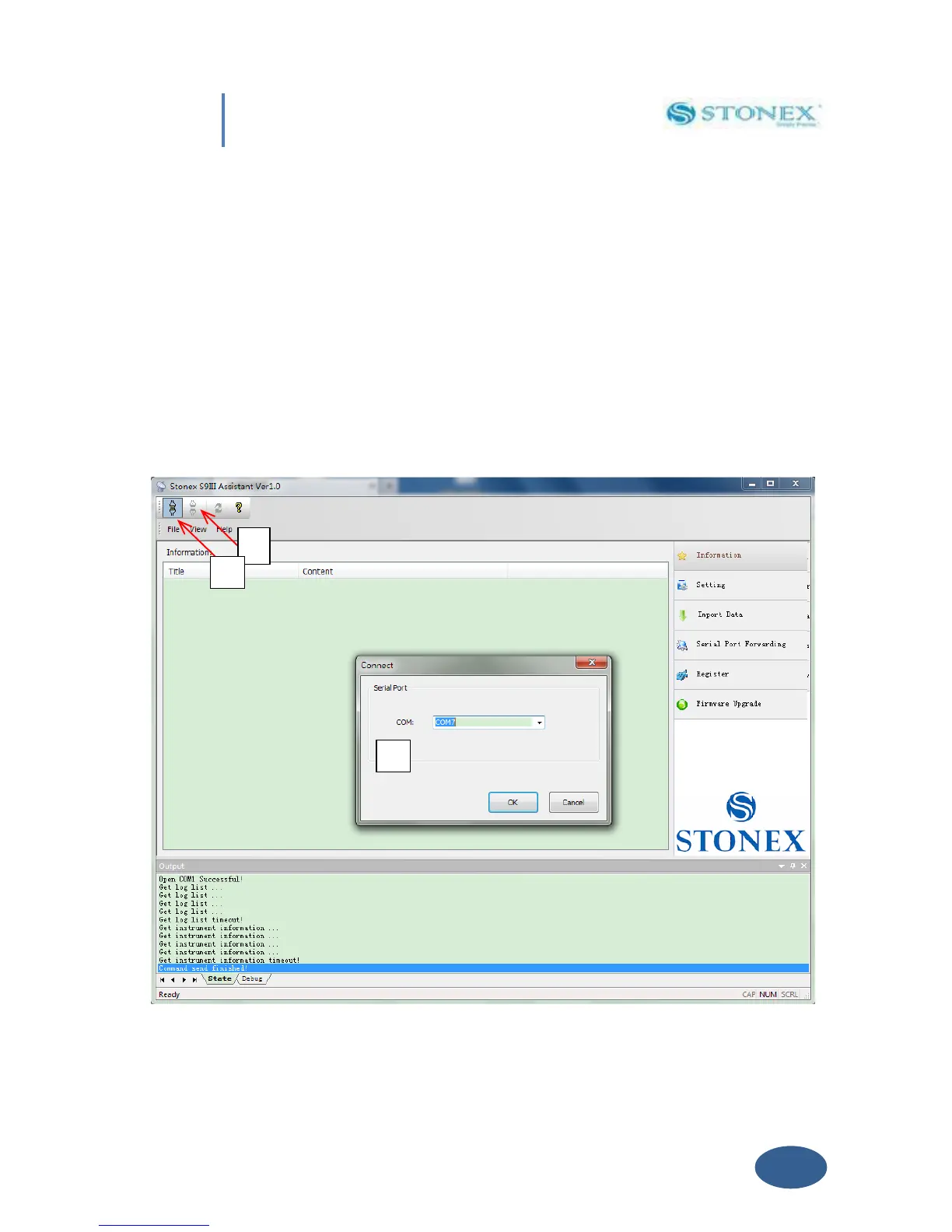
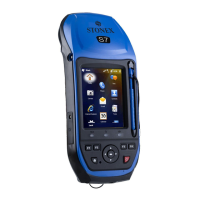
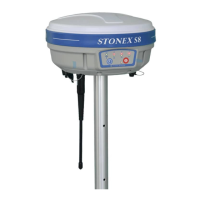
receiver S8 after get PC connection.
V. 1 Start Stonex Assistant on your PC.
Connect the S8 to the PC USB port using Lemo7 – USB/Serial cable.
Switch on the receiver; automatically the program should search the COM port where the
receiver is connected. If this doesn’t happen, for example at the first starting of Assistant in the
Pc, you have to disconnect from the wrong port and select the right COM port manually. Click
on the icon showed below by number “1” for disconnection, then click on icon “2” for
connecting again, a new windows will be opened (“3”):
Fig. 5.2 - Opening COM port


 To Next Page