HOW TO: IPSec VPN - Authentication by pre-shared
key
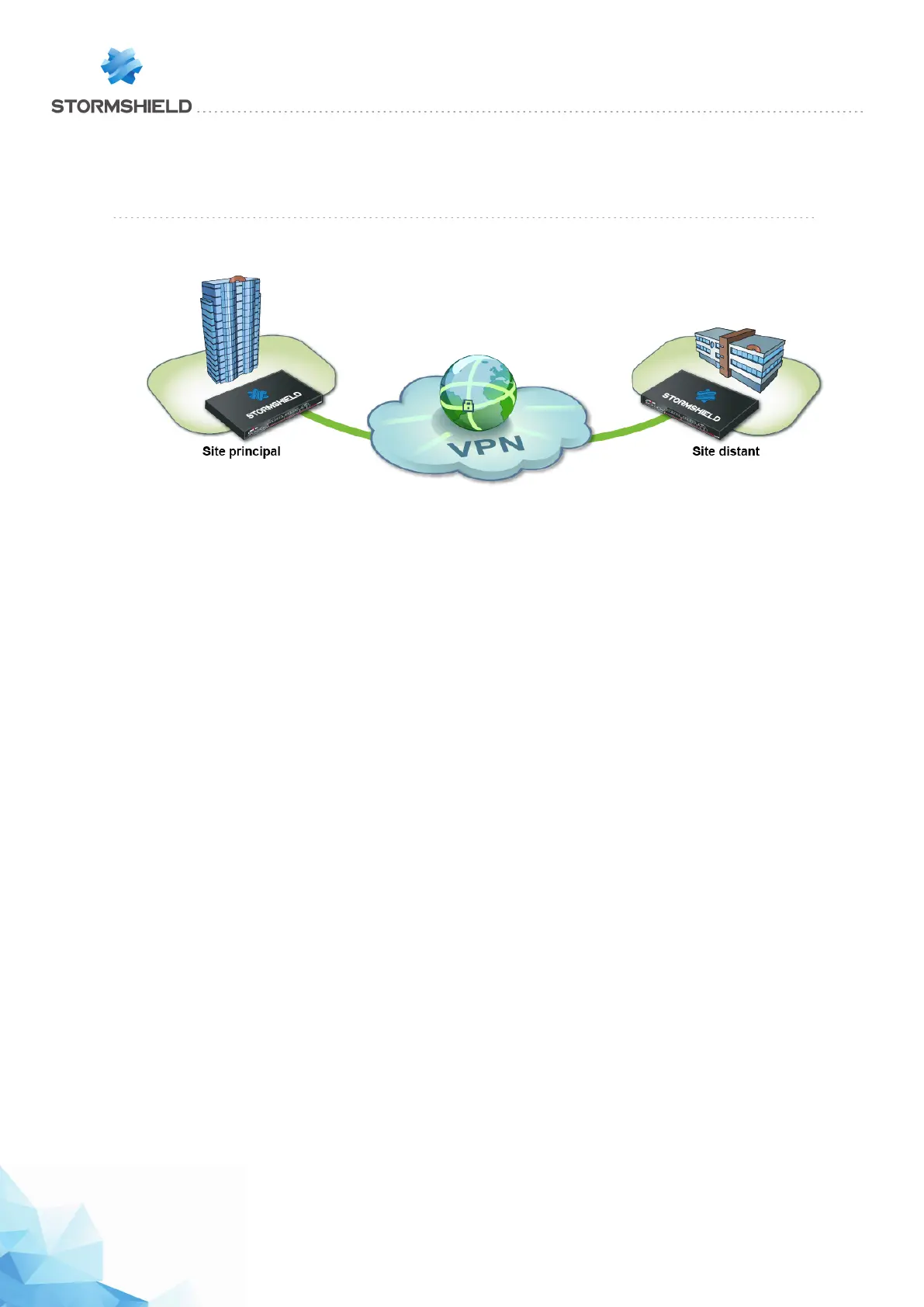
You wish to securely link up two sites on your company network currently linked via the Internet.
To do so, you need to create a site-to-site IPSec VPN (also known as "gateway to gateway").
The authentication method presented in this tutorial is based on the use of pre-shared keys
(authentication by certificate can also be set up).
This document describes the VPN configuration to create, so that you can allow a client
workstation on the remote site to access an intranet server on the main site through this tunnel in
HTTP.
Implementation
Configuring the main site
Creating network objects
The creation of this site-to-site IPSec VPN connection requires at least five network objects:
l the local network of the main site: Private_Net_Main_Site,
l the public address of the main IPS-Firewall: Pub_Main_FW,
l the local network of the remote site: Private_Net_Remote_Site,
l the public address of the remote IPS-Firewall: Pub_Remote_FW,
l the intranet server to contact on the main site: Intranet_Server.
These objects can be defined in the menu: Configuration > Objects > Network objects.
Page 397/448 sns-en-user_configuration_manual-v3 - Copyright © Stormshield 2016
SNS - USER CONFIGURATION MANUAL V.3
HOW TO: IPSEC VPN - AUTHENTICATION BY PRE-SHARED KEY



 To Next Page