Dashboard
configuration
Represented by the icon , this tool allows you to select the Components you wish
to display on the dashboard, through a series of checkboxes.
You can also configure the Update frequency of the widgets:
“Manual only” (you will need to click on the “Refresh” ( ) icon systematically) ,
“Every minute” or “Every 5 minutes”.
Add to favorites Represented by the icon , this tool allows you to add the Dashboard module to “My
favorites” in the directory on the left (see section The module configuration menu).
Network
This window displays the model of your Stormshield Network multifunction firewall as well as the
number of interfaces available on it (32 maximum).
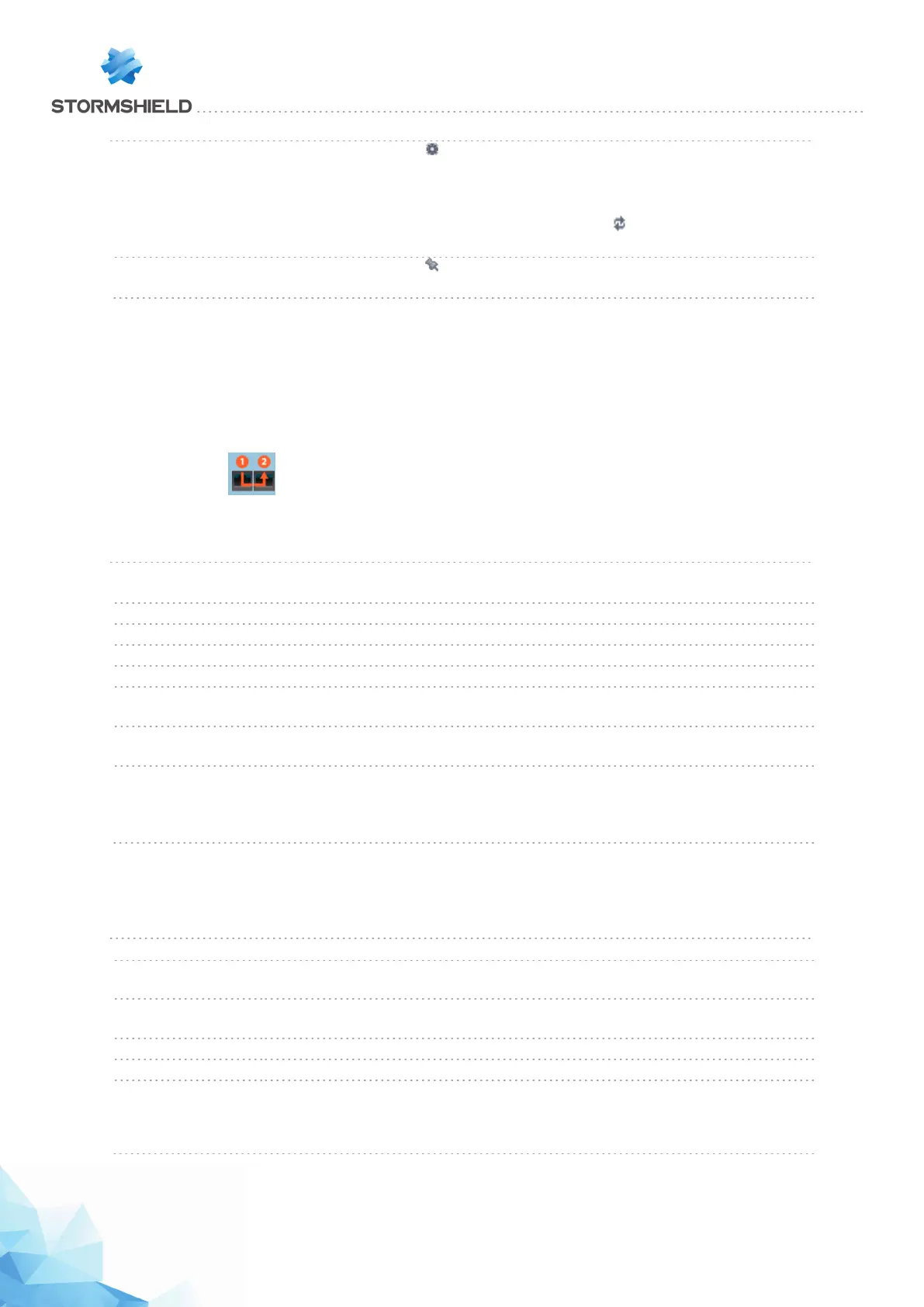
The interface(s) used appear(s) in green. When the bypass mechanism is enabled (industrial
firewalls only) and has been activated, the first two interfaces of the firewall will be represented
as follows:
A tooltip containing information about each interface is available.
The following information is given:
Name Name of the interface used ( “in”, “out” or “dmz”), accompanied by its IP address and
subnet mask.
Network packets The number of Accepted, Blocked, Fragmented, TCP, UDP and ICMP packets.
Blocked The number of packets blocked coming from this interface.
Traffic received The total and individual breakdown of TCP, UDP and ICMP packets received.
Traffic sent The total and individual breakdown of TCP, UDP and ICMP packets sent.
Current incoming
throughput
Current incoming throughput
Current outgoing
throughput
Current outgoing throughput
xx mode activated This value is only available for industrial firewalls and is only shown when bypass has
been enabled and the "Safety" operating mode has been selected. The possible
values are "Safety mode enabled" (bypass not activated) or "Bypass mode enabled"
(bypass activated).
Alarms
This window contains the list of the last 50 alarms raised by the firewall.
Date Date and time of the last alarms raised, arranged from the most recent to least recent.
Action When an alarm is raised, the packet that set off the alarm will be subject to
the action configured. The actions are “Block” or “Pass”.
Priority 3 levels of priority are possible and can be configured in the module Application
Protection > Applications and Protections.
Source IP packet or connection that raised the alarm.
Destination Address of the intended destination before the alarm was raised.
Message Comment associated with the selected alarm.
Examples of possible messages
“Invalid ICMP message (no TCP/UDPlinked entry)” (minor priority).
“IP address spoofing (type=1)” (major priority).
When the row of the alarm is selected, the following buttons will appear:
Page 87/448 sns-en-user_configuration_manual-v3 - Copyright © Stormshield 2016
SNS - USER CONFIGURATION MANUAL V.3
DASHBOARD



 To Next Page