IMPORTANT
The proper operation of network traffic must be verified immediately after a manual reset.
The firewall will not recognize connections initiated during the active bypass phase and
will systematically reject them.
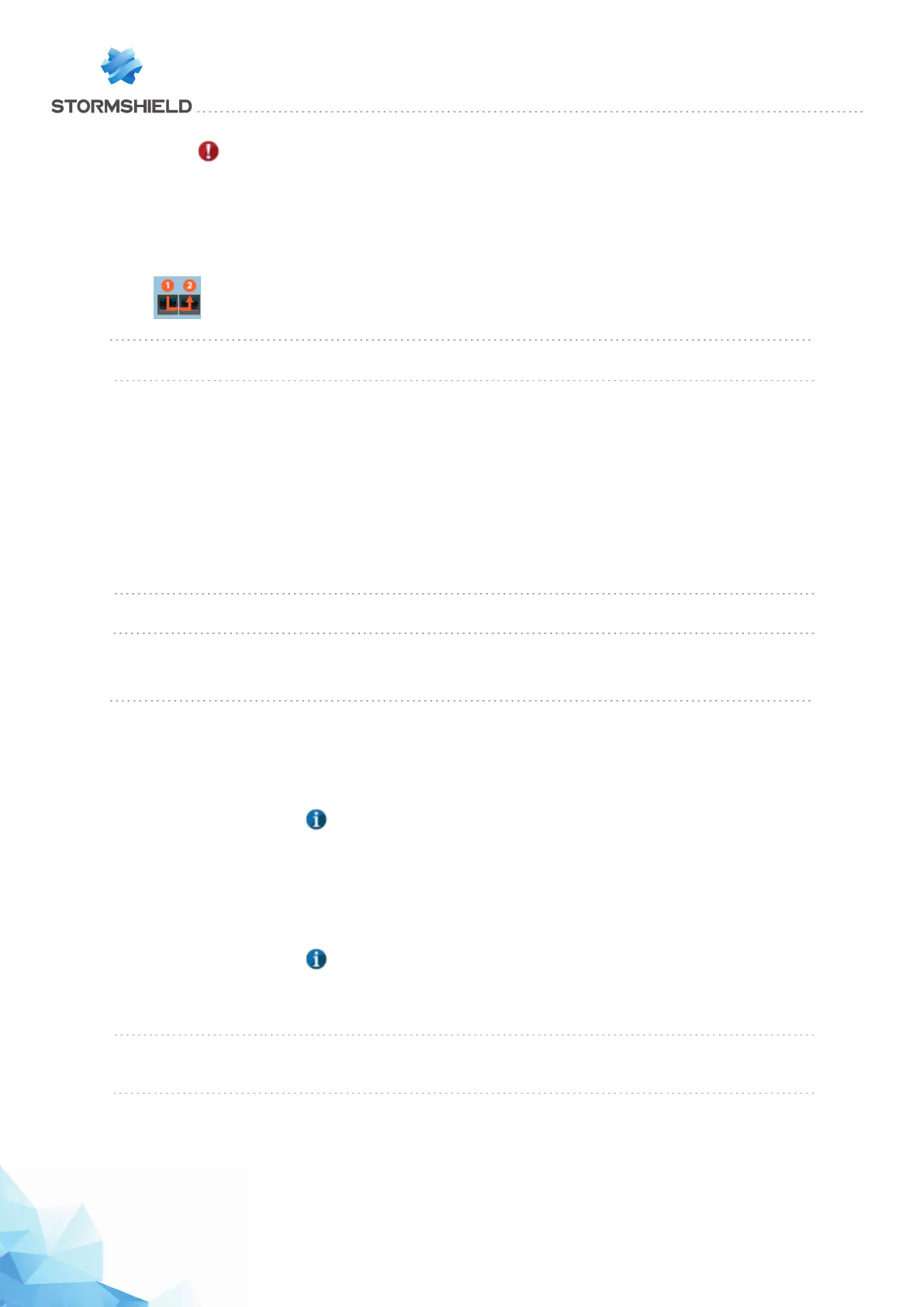
When bypass is activated, the first two interfaces of the firewall will be represented as follows:
Enable safety mode When this option is selected, you will be enabling the firewall's bypass mechanism. All
three activation modes will be automatically available.
Safety mode timeout
Select the period after which the OnTimer bypass must be activated. The various
possible values are:
l 1 min
l 1 min 30 sec
l 2 min
l 2 min 30 sec
l 3 min
l 3 min 30 sec
l 4 min
Resetting safety mode When the OnTimer bypass is activated, you can click on this button in order to disable
it and return the firewall to safety mode.
Advanced properties
Redirect to the captive
portal
This option allows choosing the name of the firewall used when generating URIs that
redirect to the captive portal. There are four possible values:
l Use firewall's IP address
l Use firewall's name
NOTE
This refers to the name indicated in the Firewall name field in the General
configuration section or the firewall's serial number if no name has been
speficeid in this field.
l Use the captive portal's certificate
NOTE
This refers to the name of the firewall specified in the portal's certificate.
l Specify a domain name (FQDN)
Domain name (FQDN) Enter a fully qualified DNS name for the firewall (e.g.: firewall.company.org). This field
is only accessible when the "Specify a domain name (FQDN)" value has been selected
in the
Redirect to the captive portal
field.
Page 80/448 sns-en-user_configuration_manual-v3 - Copyright © Stormshield 2016
SNS - USER CONFIGURATION MANUAL V.3
CONFIGURATION



 To Next Page