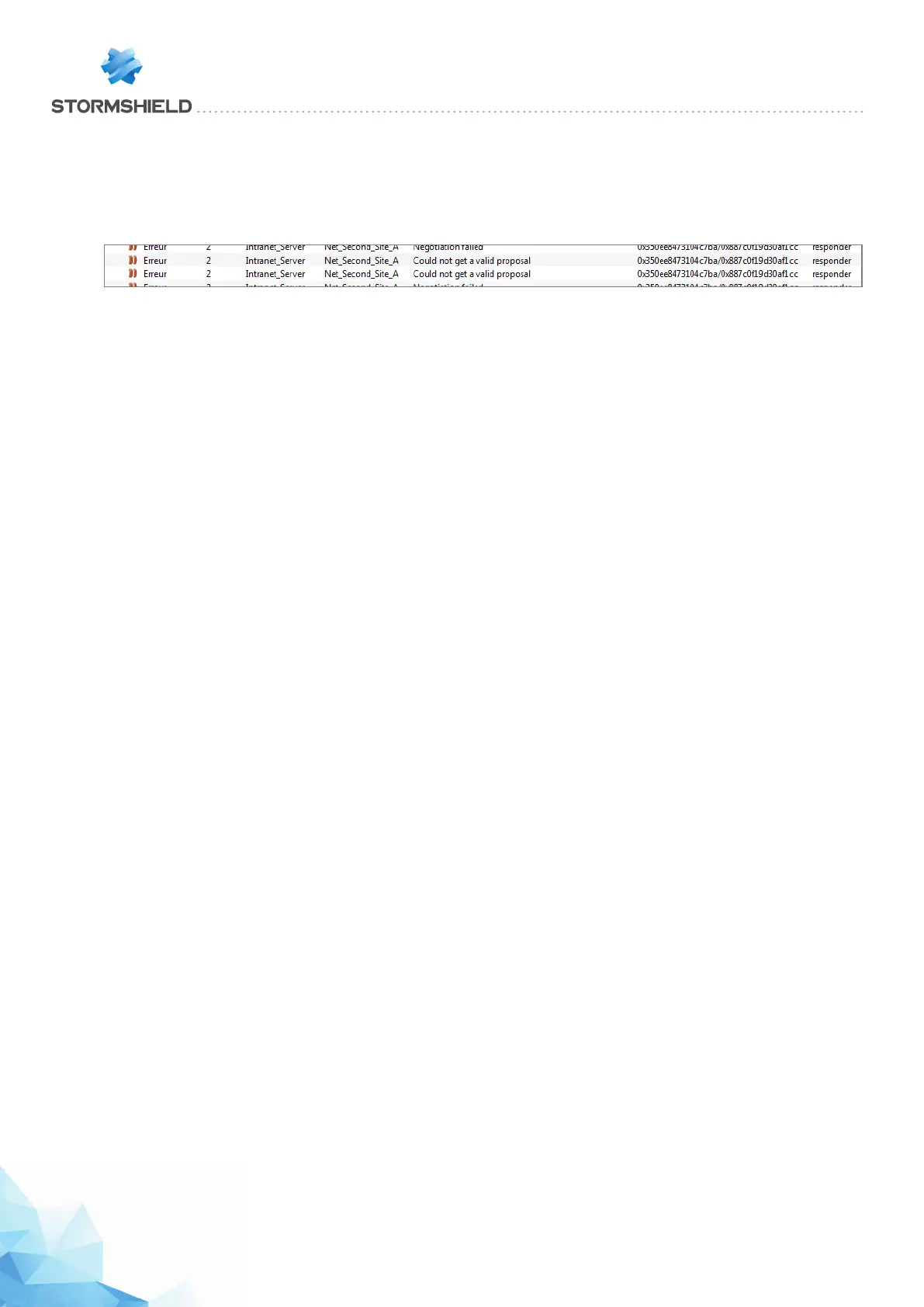
Symptom: The tunnel cannot be set up.
l A message “Could not get a valid proposal” in phase 2 appears in the module Logs > VPN in
Stormshield Network Realtime Monitor on the “responder” IPS-Firewall.
Solution: The appliances are attempting to negotiate but cannot seem to agree on an encryption
policy in phase 2 (IPSec). Check that the encryption profile is the same on both IPS-Firewalls
(authentication and encryption proposals, etc.).
Page 403/448 sns-en-user_configuration_manual-v3 - Copyright © Stormshield 2016
SNS - USER CONFIGURATION MANUAL V.3
HOW TO: IPSEC VPN - AUTHENTICATION BY PRE-SHARED KEY



 To Next Page