Site Preparation Guide About the F3300 Printer
Page 1
About the F3300 Printer
The Stratasys F3300 3D printer is the first product in a new F3000 series platform. The F3300
is a multi-extruder Fused Deposition Modeling (FDM) printer designed for the smart
manufacturing floor. It incorporates the latest in innovative technology to provide leading FDM
performance in throughput, part quality and reliability. It can produce jigs, fixtures and
production parts that exceed expectations in build time, cost and quality. It will also allow users
to achieve results in ROI with traceability, data analytics and future expansion possibilities. The
Stratasys F3300 printer provides advanced 3D printing for intelligent industrial performance.
Components
• The F3300 printer
• Welcome kit (containing documentation on how to download your user guide and common
tools for maintaining the printer)
• GrabCAD Print and/or Insight software package
• A computer workstation for preparing build files (not sold by Stratasys)
Highlights
• Maximum build area of 600 x 600 x 800 mm (23.6 x 23.6 x 31.5 inch)
• Integrated tool changer with capacity for four extruders
• Four heated material bays
• Automatic calibration
• Large touchscreen graphical user interface
• Two internal cameras for remote monitoring
How to Use This Guide
This guide provides information for selecting an appropriate location for the F3300 printer. This
guide also provides instructions for unpacking and preliminary set-up. Information of special
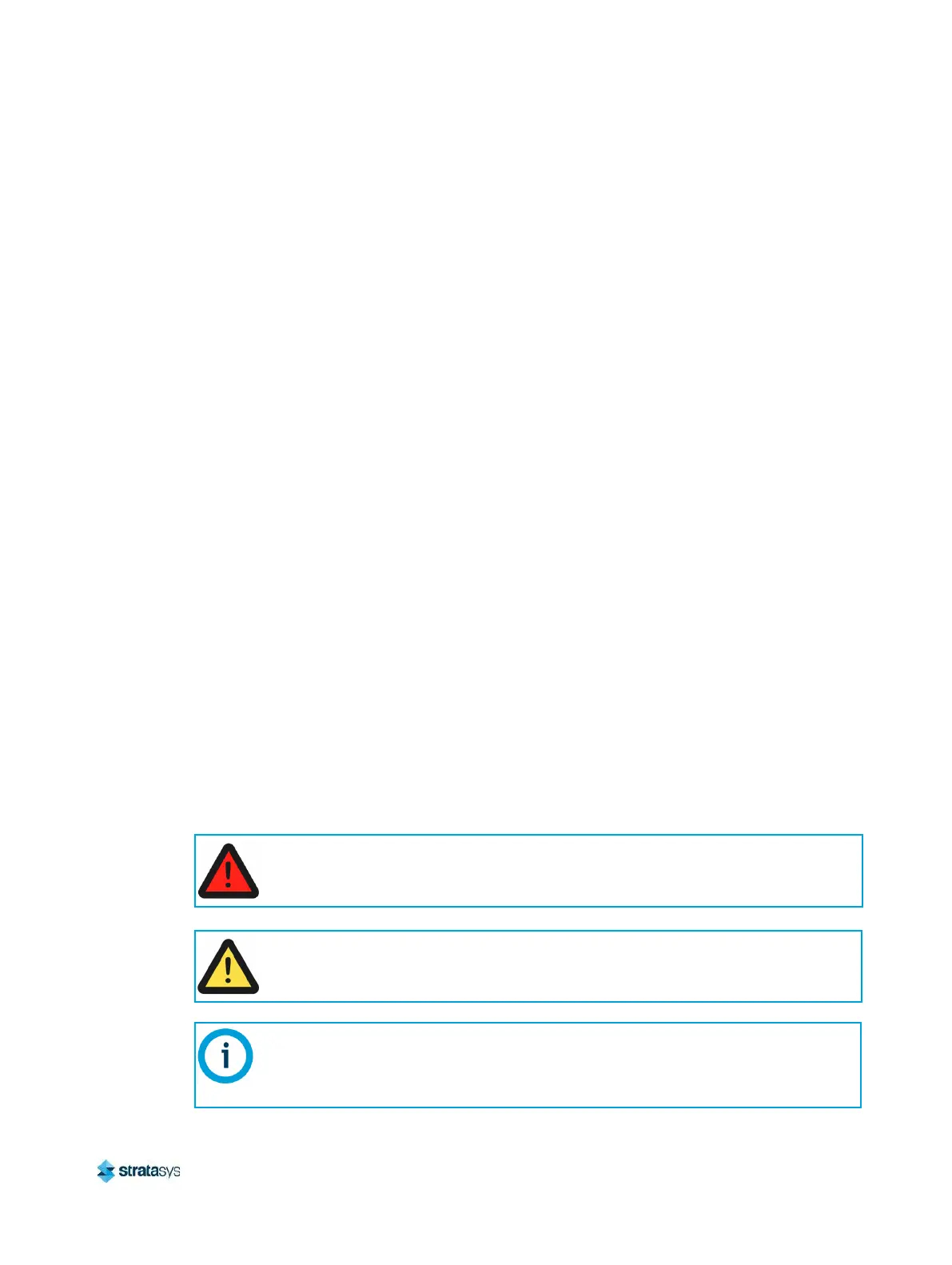
importance is presented in one of three formats:
A Warning: indicates a procedure that may cause injury to an operator if the
procedure is not followed.
A Warning: will precede the paragraph of instruction to which it relates.
A Caution: indicates a procedure that may cause damage to equipment if the
procedure is not followed.
A Caution: will precede the paragraph of instruction to which it relates.
A NOTE is used to highlight a specific point or to provide an operational tip. While
useful, a NOTE does not indicate a procedure that can cause injury or damage if it is
not followed.
A NOTE will follow the paragraph of instruction to which it relates.













 To Next Page