35 MA_441-1-2_A1_180830_en
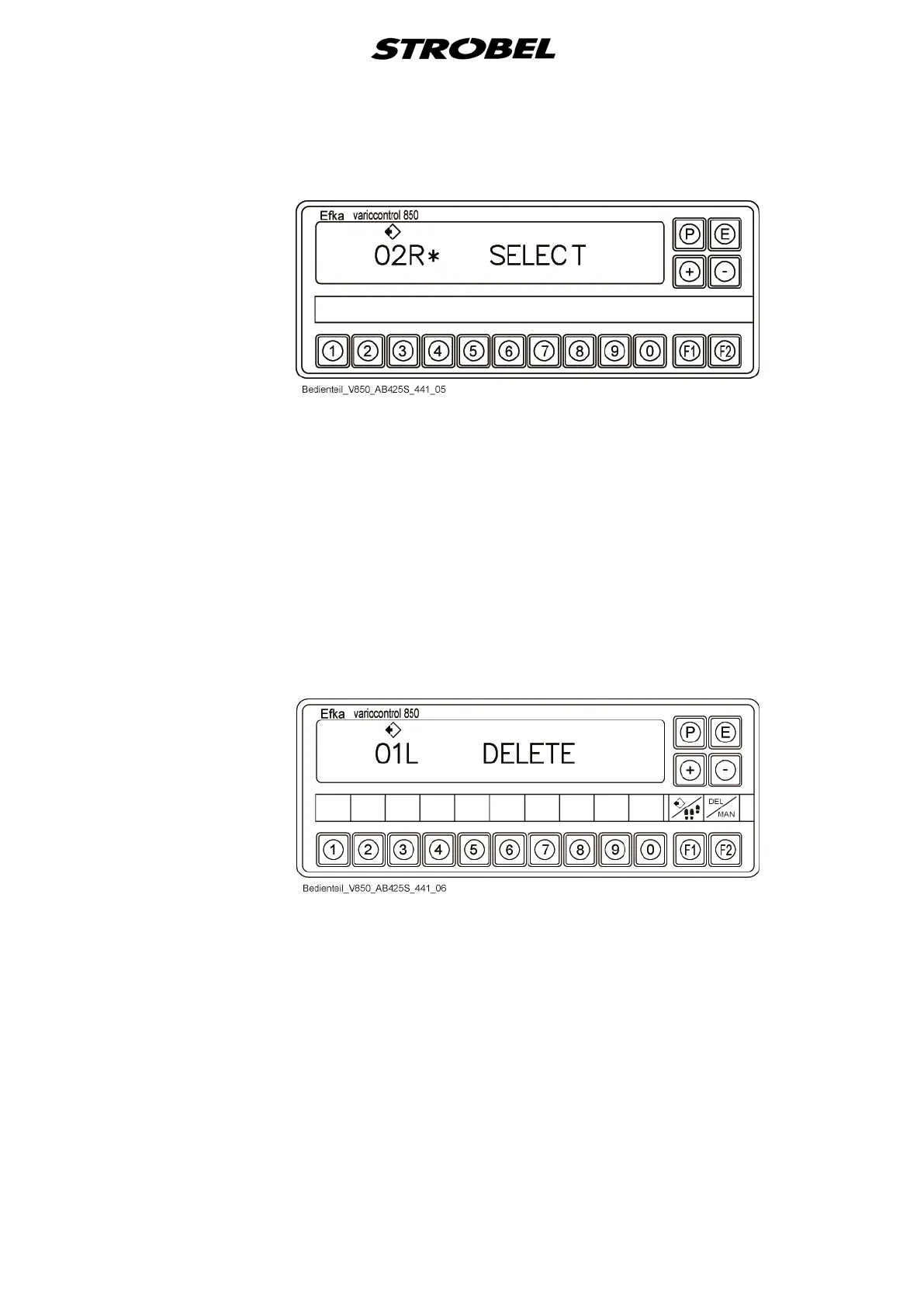
2. Display "Program selection"
- Press the "F1" button in the "Standard" display.
- Enter the program number using the keypad or "+/–" buttons.
- Confirm the entry with the "E" button.
- Corresponding program is loaded.
- Return to the standard display
- If no corresponding program is saved, this is indicated by the "*" icon.
- Use the "P" button to switch into the "Standard" display without
selecting a program.
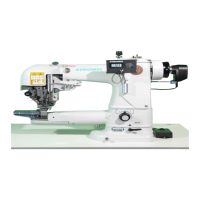
3. Display "Delete program"
- Press the "F2" button in the "Standard" display.
- Enter the program number using the keypad or "+/–" buttons.
- Confirm the entry with the "E" button.
- If no corresponding program is saved, this is indicated by the "*" icon.
- Otherwise a confirmation is expected once more to delete the
program definitely.


 To Next Page