36 MA_441-1-2_A1_180830_en
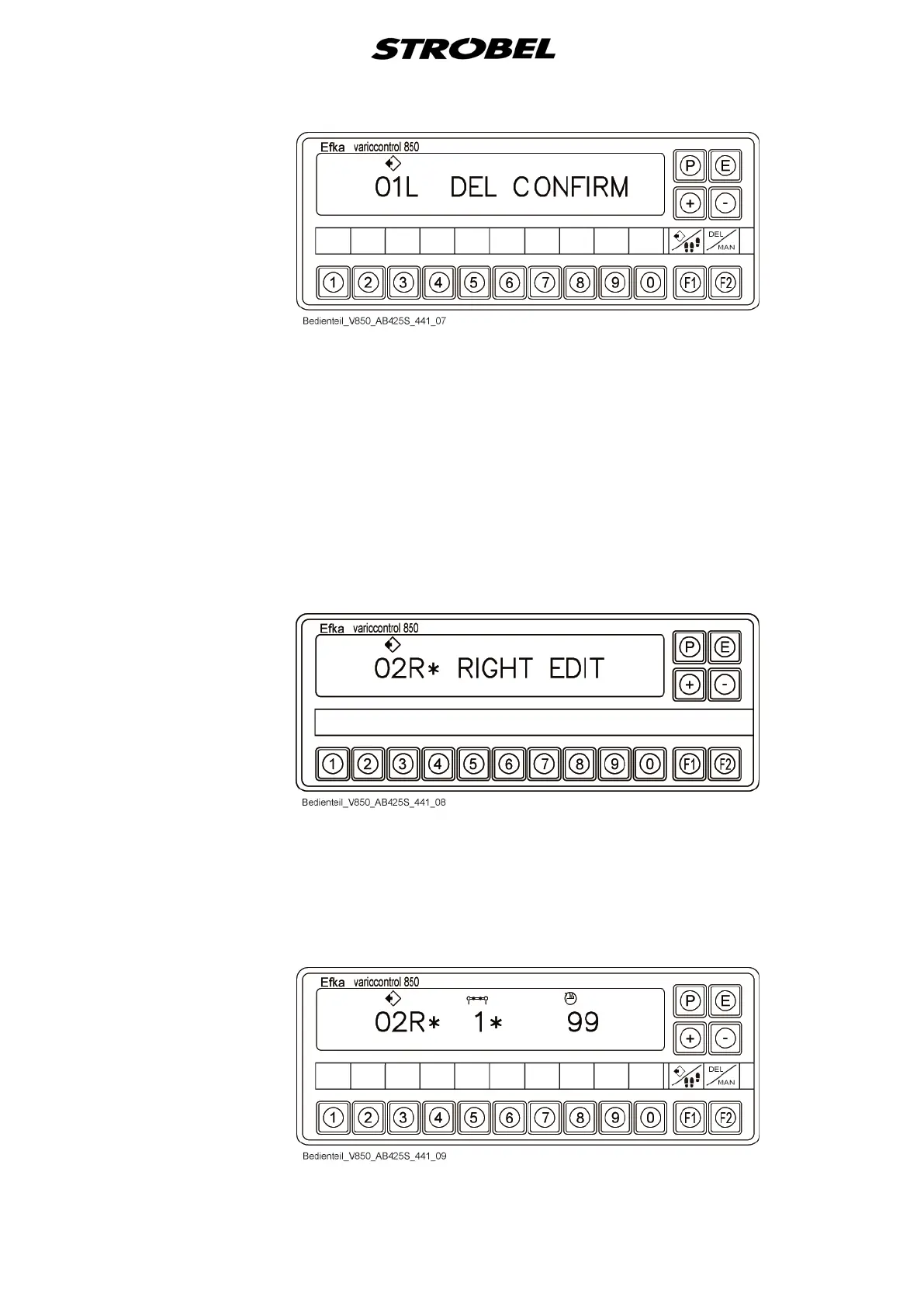
- Confirm the deletion process with the "E" button.
- The two programs that belong together are always deleted (e.g.
00R+01L, 02R+03L…)
- Return to the standard display ("No Prog")
- Use the "P" button to switch into the "Standard" display without
deleting a program.
4. Display "Programming mode"
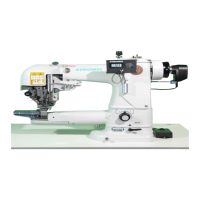
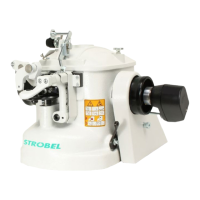
● Add new program
- Press the "P" button in the "Standard" display invoke the programming
mode.
- Enter the program number using the keypad or "+/–" buttons.
- Confirm with the "E" button or exit with the "P" button.


 To Next Page