PART 1
z
English
14
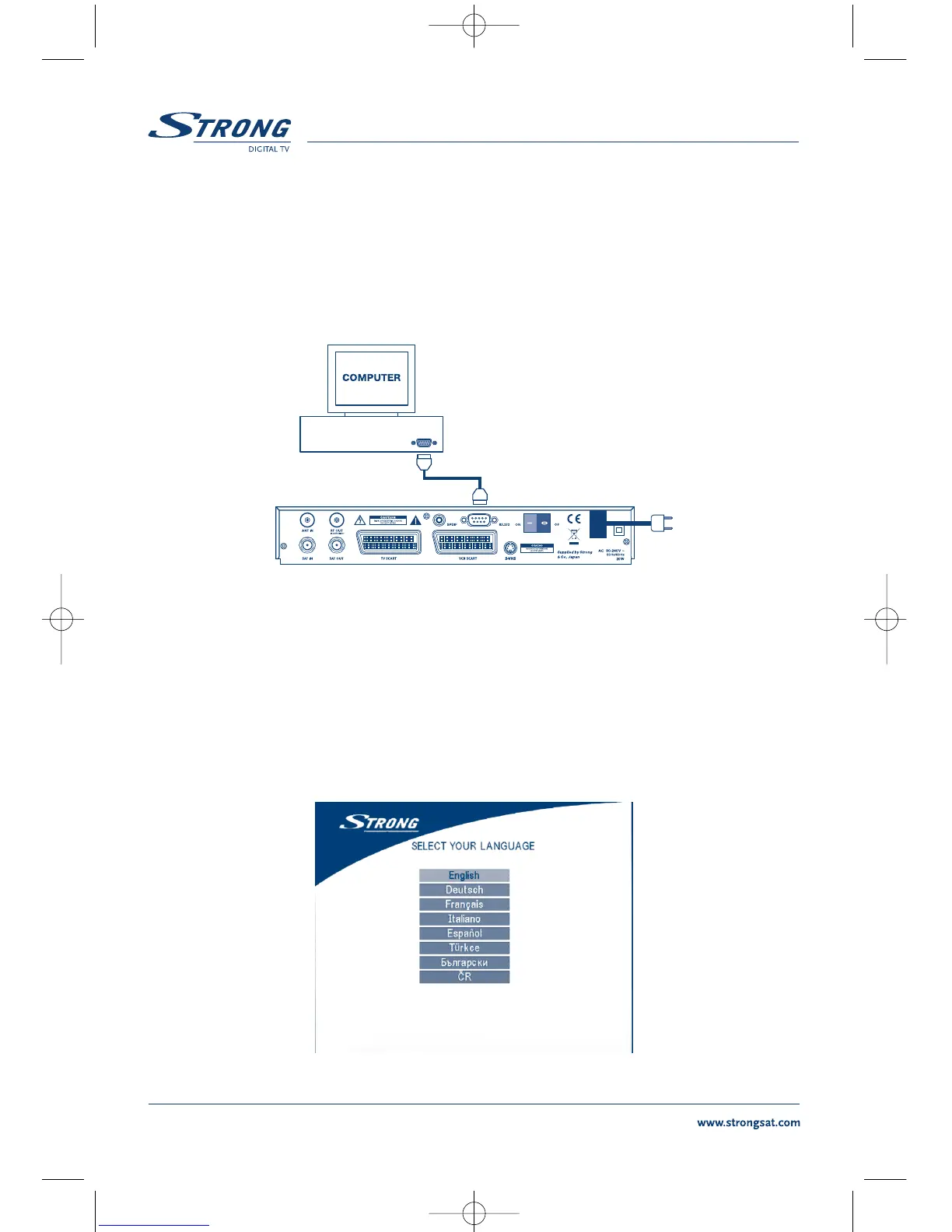
3.4 Connecting to serial cable for downloading software
1. Connect the RS 232 connector on the back of your receiver to the Serial port of your computer
using a serial cable.
2. Instructions how to download software can be found on our website www.strongsat.com
(support > download). However, this receiver can download new system software
automatically by satellite.
FIGURE 10. Connecting the RS-232 connector on the back of your receiver to the Serial port
4.0 Starting up
Ensure that your satellite receiver is correctly connected to your television and dish, and that your satel-
lite signal is of good quality. (If you are not sure about this then ask your local strong dealer to check
your installation or satellite signal.)
Confirm that the power plug on the receiver is plugged into the wall outlet. Turn on the receiver. The
following picture is shown the first time you switch on the receiver.
SCREEN 1



 To Next Page