PART 1
z
English
42
6.0 Other operation functions
6.1 System Information
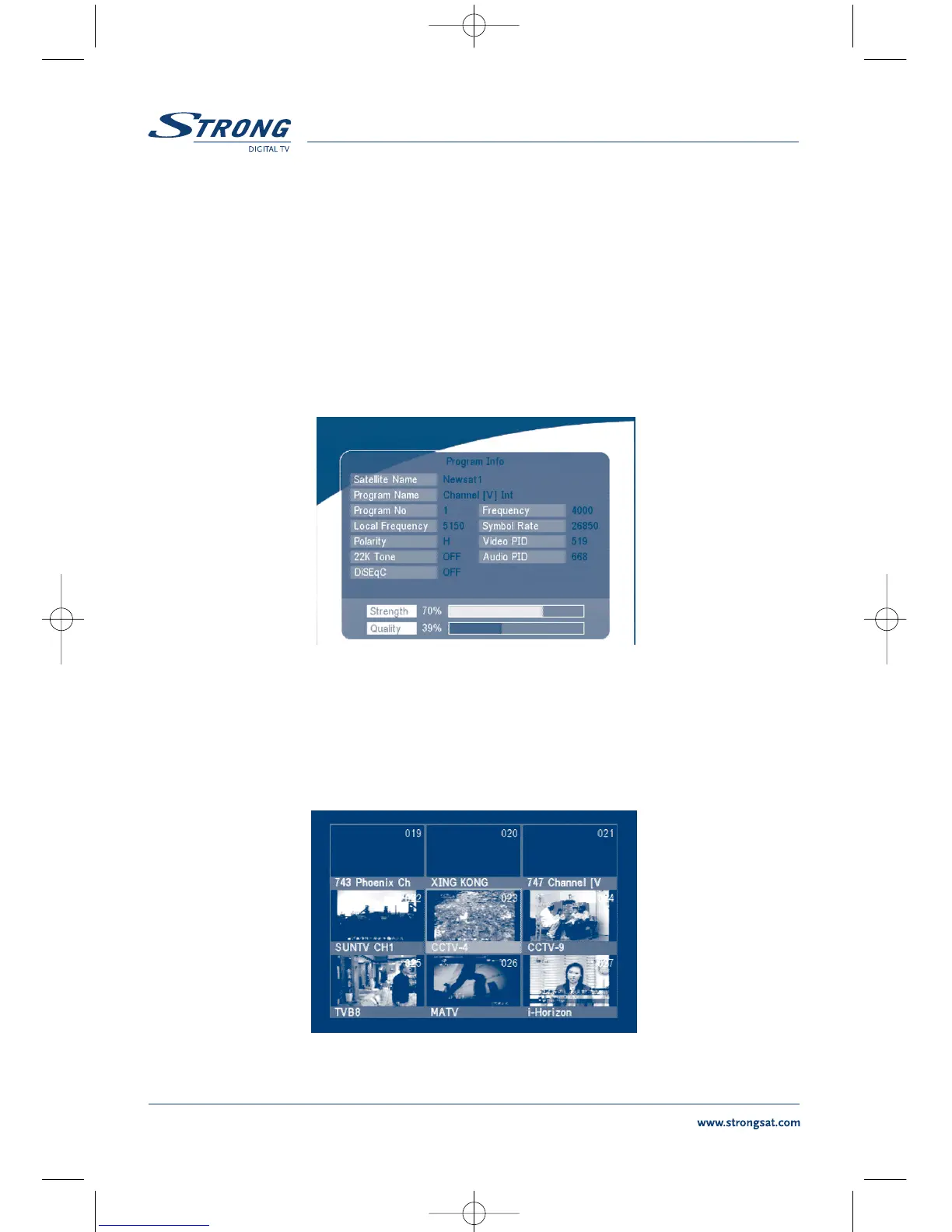
In normal operation status (no menu operation), press the INFO button twice, the Program
Information menu will appear on screen as show on <Screen 49>. In this menu, the user can view the
current program information such as the satellite name, program name, program number, local fre-
quency, polarity, 22K tone, DiSEqC, down frequency, symbol rate, video PID and audio PID. You also
can view the signal strength of the current program and its signal quality.
SCREEN 50
6.2 MOSAIC (Nine picture view)
In normal operation status (no menu operation), press the MOSAIC button, there are nine picture
being showing on screen such as those on <Screen 50>.
SCREEN 51



 To Next Page