PART 1
z
English
19
5.1 Channel Organiser
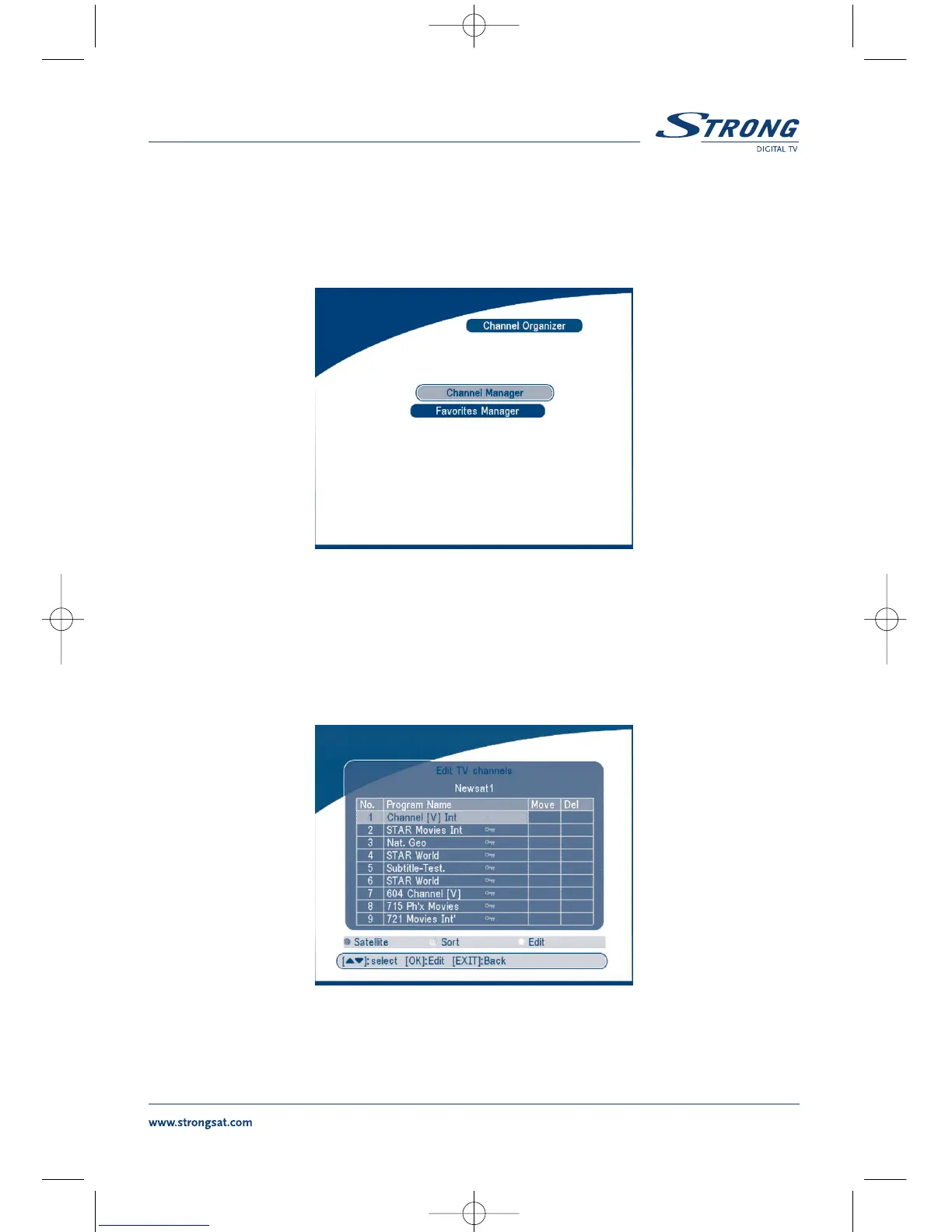
In the MAIN MENU screen, press UP/DOWN to move the cursor to Channel Organiser, and then press
OK to enter the Channel Organiser menu.
SCREEN 10
The Channel Organiser menu consists of two sub-menus; “Channel Manager” and “Favorites Manager”.
5.1.1 Channel Manager
In this menu, you can change the order of the channels, move, delete and edit channels.
To change the satellite use the RED button.
SCREEN 11



 To Next Page