PART 1
z
English
20
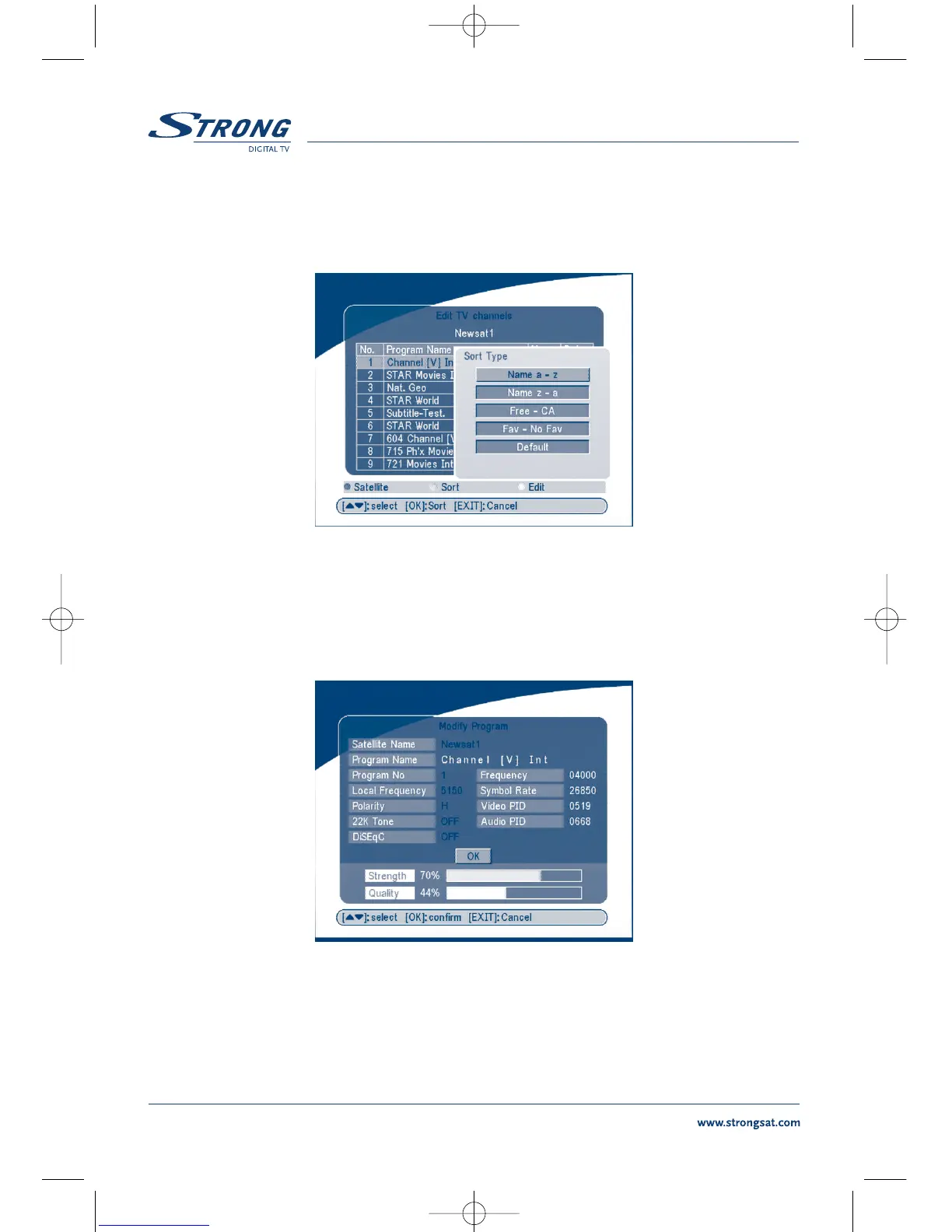
Sort (GREEN buton)
You can sort the channel order in the channel list by “name a~z”, “name z~a”, “Free-CA”,
“
Fav - NO Fav” or Default type.
SCREEN 12
Edit (YELLOW button)
Select the channel that you wish to edit, press the YELLOW (Edit) button to move into the modify pro-
gram menu. (SCREEN 13) In this menu, you can modify the Program Name, Down Frequency, Symbol
rate, Video PID, Audio PID.
SCREEN 13



 To Next Page