PART 1
z
English
43
6.3 EPG (Electronic Program Guide)
The EPG shows the event information on the current TP channel by time zone.
With
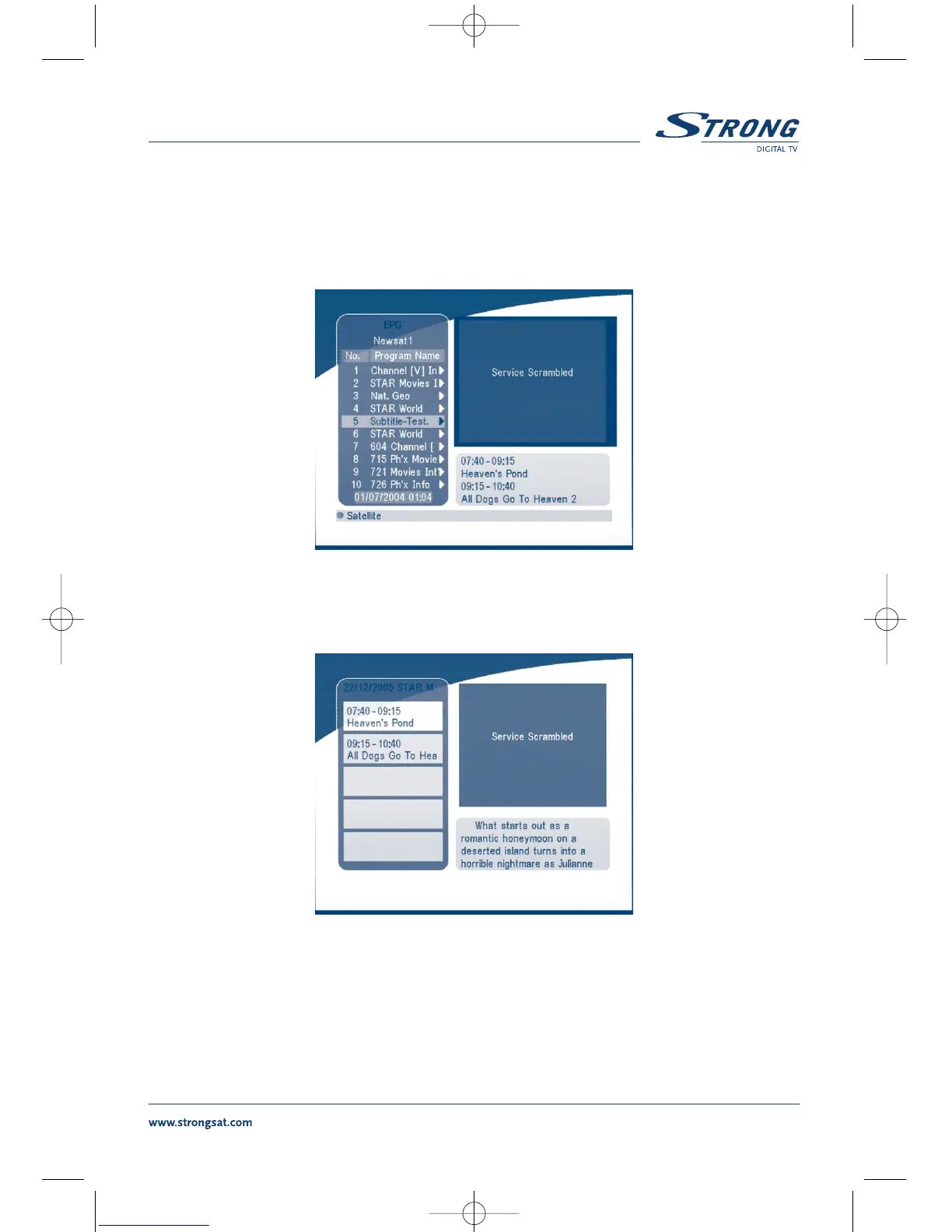
MENU off, press the EPG button. The EPG Menu will appear:
SCREEN 52
Press UP/DOWN to choose the channel.
Press RIGHT into EPG for schedules of the current channel.
SCREEN 53
In EPG schedules menu:
Press the UP/DOWN keys to choose the schedule items.
Press P+ / P- into next / previous day's schedules.
Press LEFT/EXIT to return to EPG Menu.
Press RIGHT to show the details of this item.



 To Next Page